
Guide · 2-minute read
What to do when your POS or printer breaks down.
What you can replace right away, what needs the BIR, and how to avoid weeks of downtime.
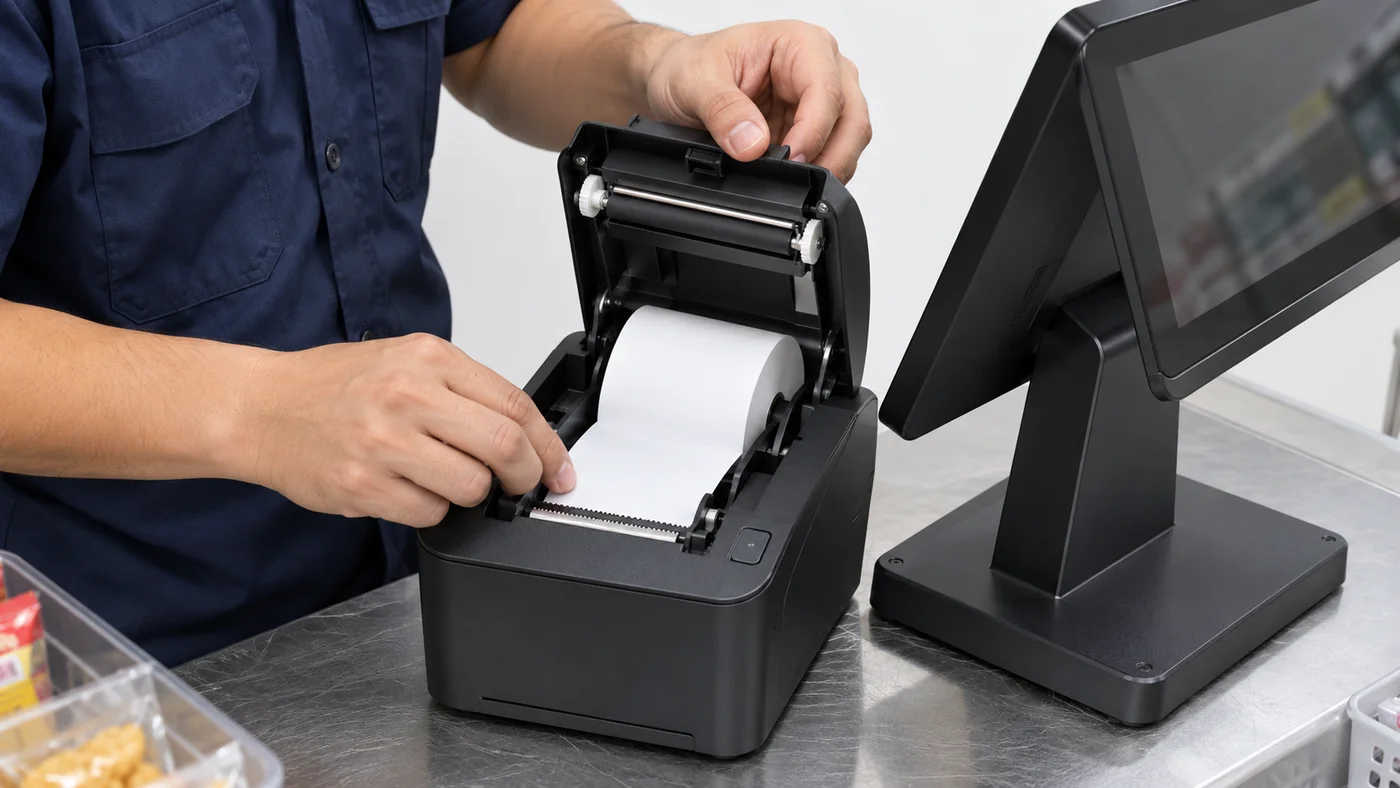
It always breaks at the worst time
The receipt printer jams in the middle of lunch, or the POS terminal will not start one morning. The owner calls around, and finds out it may take days, or even weeks for parts, before the store is back to normal. Much of that wait can be avoided.
What to do
- Receipt printer, cash drawer or scanner breaks: connect a compatible spare, then print a test invoice to check it works. Keep a spare printer and enough paper rolls. Stores that cannot afford to stop, like busy restaurants and supermarkets, keep more than one spare.
- The POS terminal breaks: issue manual invoices right away, and call your supplier.
- Ask for a repair first. A repair can save you from replacing the machine and registering a new one.
- Ask about a loaner. Some POS suppliers lend a machine while they repair yours, instead of making you wait for parts. Confirm with your RDO that it is allowed before you sell on it.
- If the machine must be replaced: retire the old one (some call it a pull-out request) and register the new one. How long that takes depends on your RDO.
- For a busy store: a second registered POS terminal keeps selling when one breaks.
- Always keep the permit on display. Keep the current Permit to Use on display, and the BIR sticker visible on the machine it was issued for, where customers and BIR officers can see them.
If your POS keeps its sales in an online back office, the sales that were already sent are safe. For sales made offline on the broken machine, and any manual invoices, check them against what was recorded and enter only the missing ones, following your approved procedure.
Check what the BIR and your mall say
- The BIR matches the permit and sticker to the machine's serial number, your business and your branch. Before you sell on a loaner or a replaced machine, confirm with your RDO that it is allowed. If you sell on a machine that is not registered for your store, the risk is yours.
- A major repair, or a change to the registered machine, may need written notice to your RDO first. Ask your supplier to confirm the steps with the RDO.
- If your printer is built into the POS terminal or listed on your permit, check with your RDO and supplier before swapping it.
- Mall tenants: tell the mall administration before you swap or pull out anything. Malls usually ask for a pull-out permit and notice of a pending repair. If your POS sends sales to the mall's tenant system and the reports stop, the mall may charge you penalties.
We sell and set up POS terminals, kiosks, handhelds and printers, so the same team handles your software and your hardware.
Want a store that keeps selling?
Ask us how to set up your counter so one broken part does not stop the day.