
Guide · 2-minute read
When to issue a manual invoice.
When the POS is down, or a customer asks for a handwritten one.
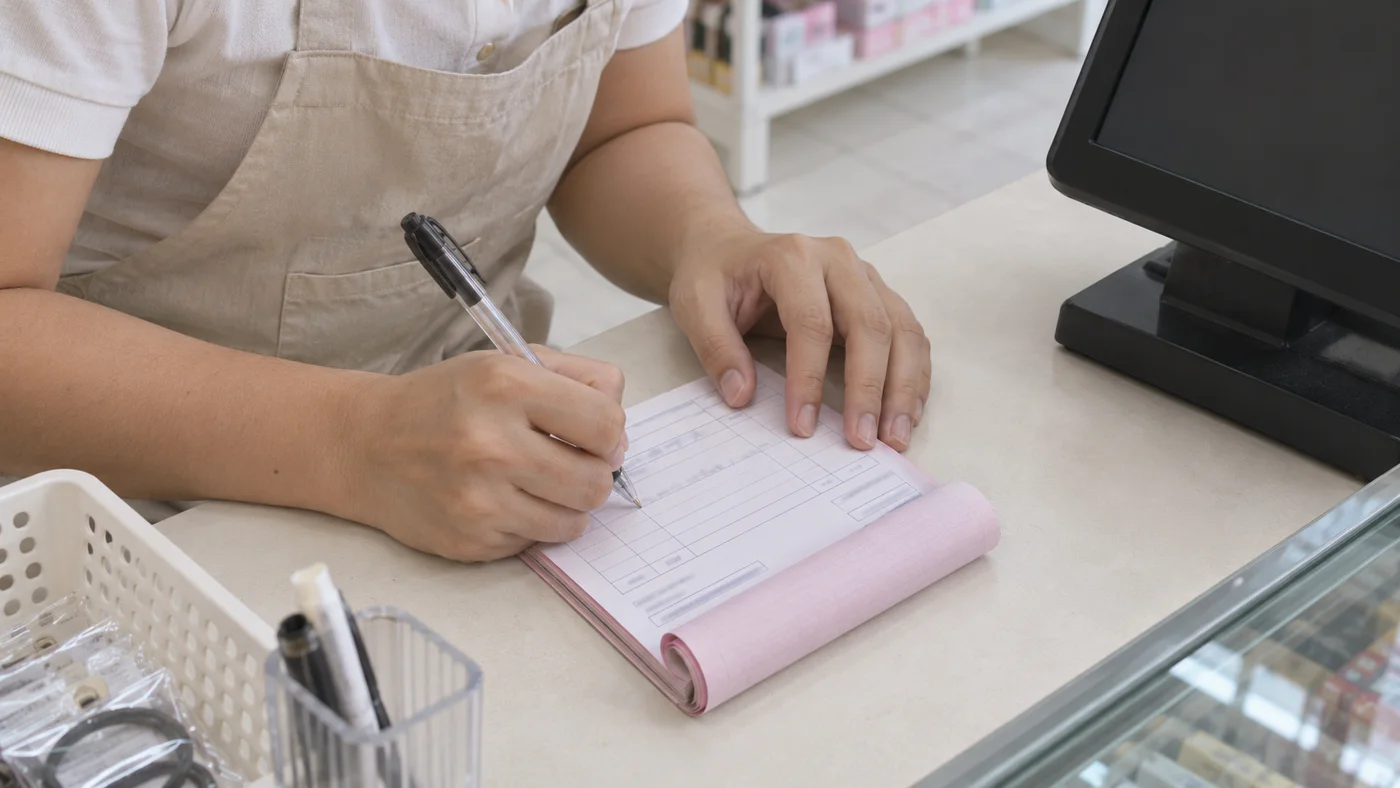
When the POS is down
The power goes out, the POS terminal breaks, or the system will not start. You still have to issue an invoice whenever one is required. Use your BIR-authorized manual invoices, the printed booklet with the BIR's Authority to Print, and keep the copies. Keep a booklet at every counter, so nobody has to look for it in a rush.
When the POS is back
First check whether any sale went through just before the POS stopped, so nothing is entered twice. Then record each sale you wrote by hand in the POS once, with its manual invoice number, following the procedure your accountant approves. That way your sales, stock and reports are complete. Businesses covered by the BIR's electronic invoicing requirements have one more step: the BIR asks that each manual invoice be replaced with an electronic one that carries the manual invoice's number. BIR circular summary
When a customer asks for a manual invoice
Some customers, often companies, want a handwritten invoice even after getting the printed one from the POS. The sale already has a valid invoice, so do not issue a second one or record it as a new sale. If they need their name, address or TIN on it, ask your accountant for the approved way to correct or reprint the invoice.
Tips
- Keep enough manual invoice booklets, and order new ones before you run out. A new Authority to Print takes time.
- Write clearly and fill in every field, then file the copies.
- Enter the manual invoices into the POS the same day, before anyone forgets.
On the POS terminal, you can record a manual invoice number on a sale. The invoice shows it, and the BIR sales report shows the total of sales covered by manual invoices separately.
Not sure how to handle manual invoices?
Ask us to show you how they are recorded in the POS.