Restaurants, cafes and quick-serve

Fewer lines. No lost orders.

Guests order from their phone, a kiosk or the table. The kitchen sees every order. You see every sale.

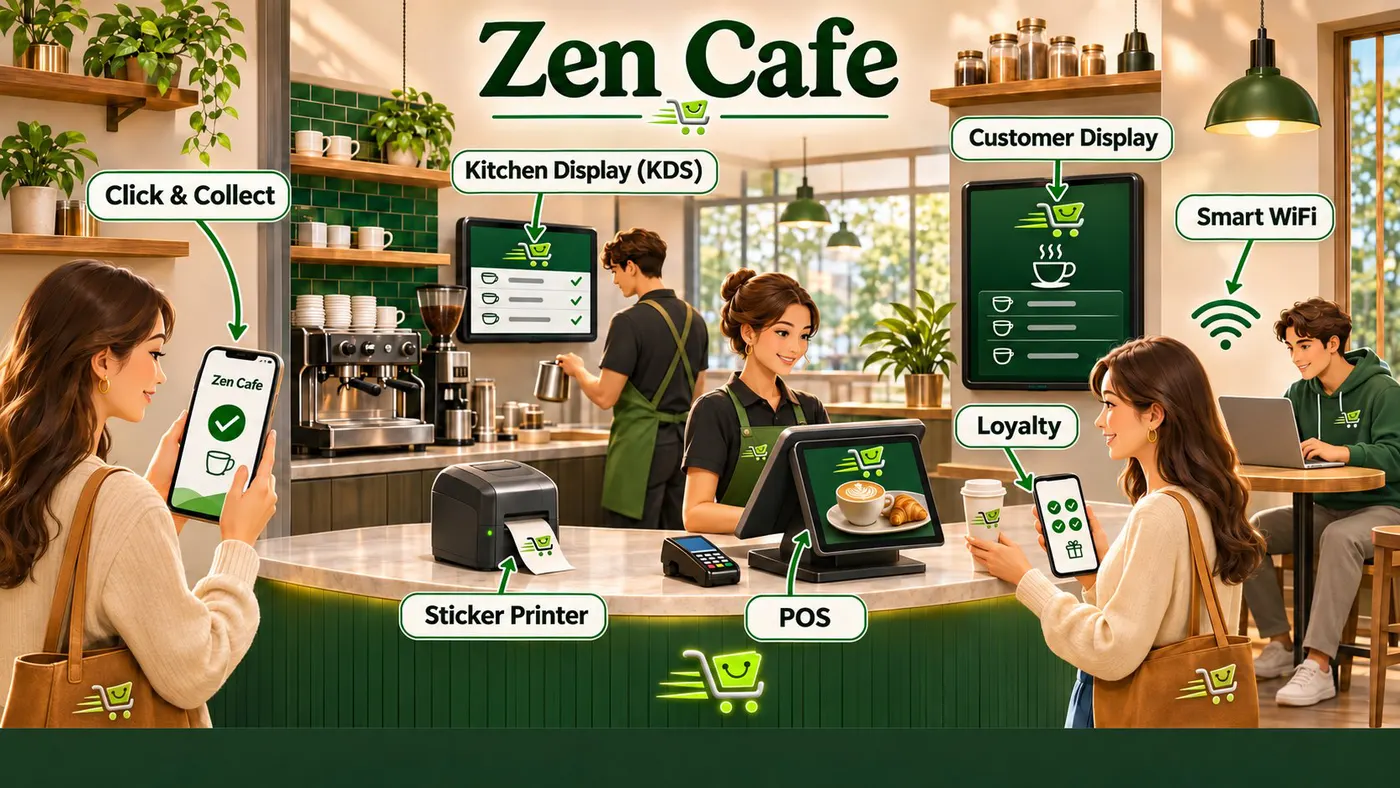
Zen Cafe: Phone orders go straight to the kitchen screen. Customers watch for their number, collect loyalty stamps and get WiFi with their coffee.
Zen CafePhone orders go straight to the kitchen screen. Customers watch for their number, collect loyalty stamps and get WiFi with their coffee.
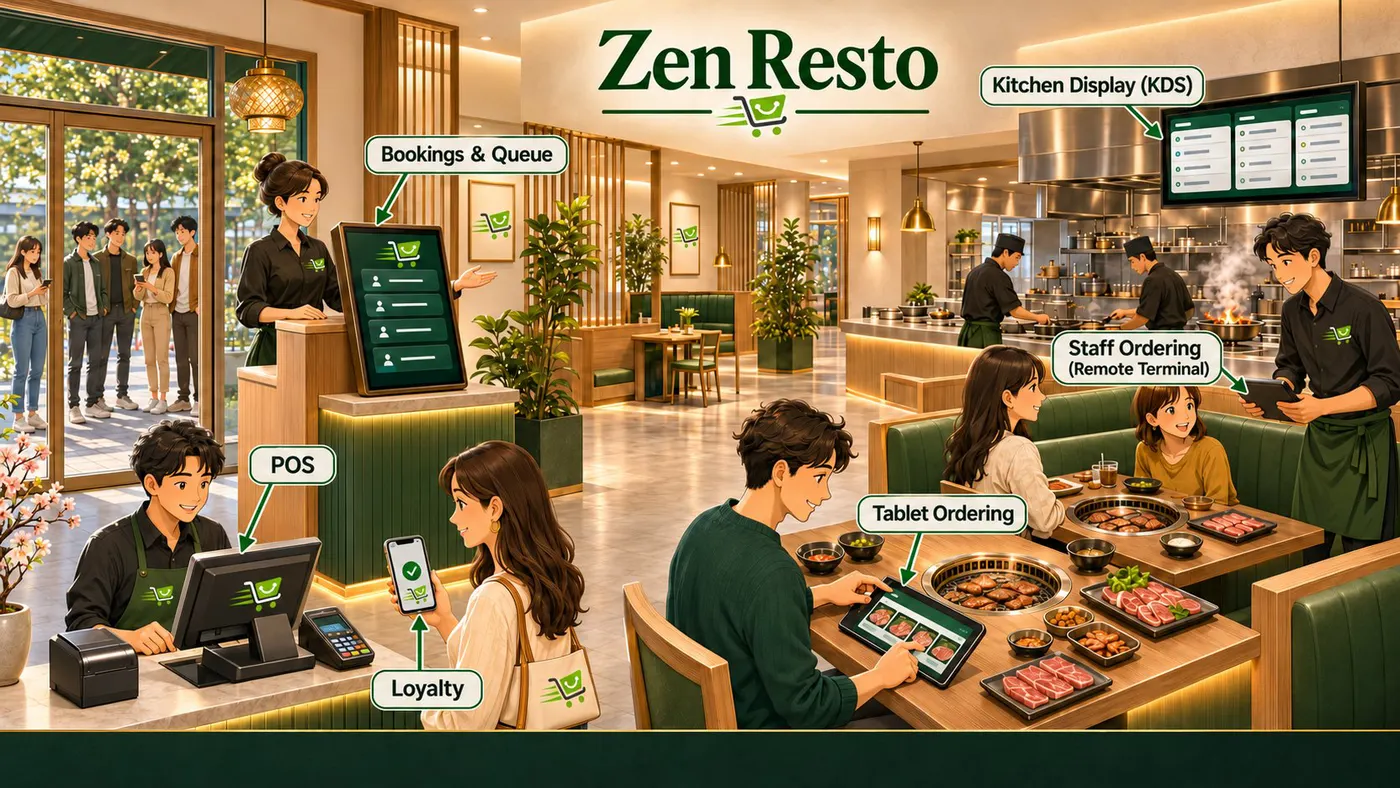
Zen Resto: Guests book or join the queue, order from the tablet at their table or from the waiter, and the kitchen sees every order.
Zen RestoGuests book or join the queue, order from the tablet at their table or from the waiter, and the kitchen sees every order.
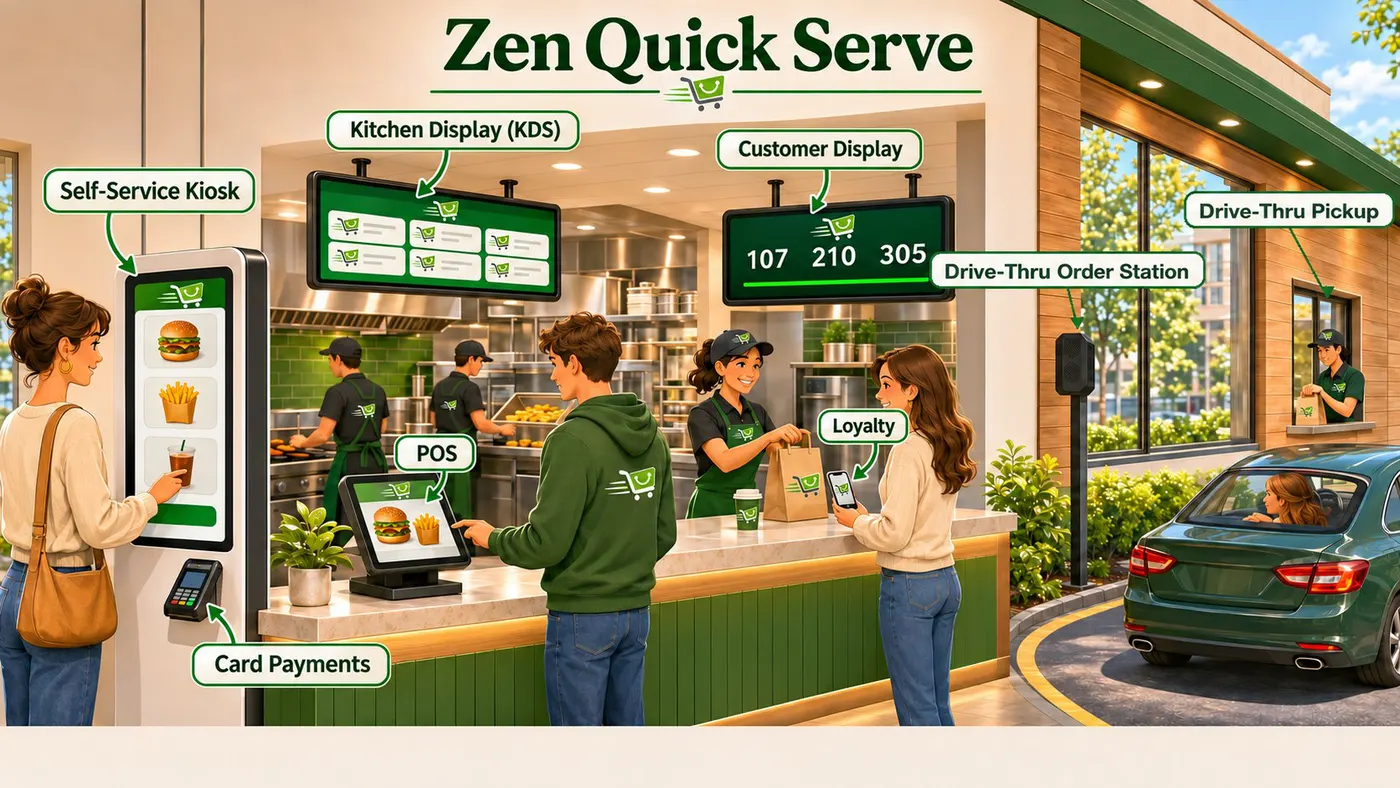
Zen Quick Serve: Kiosks, the counter and the drive-thru feed one kitchen screen, and the customer display calls each number.
Zen Quick ServeKiosks, the counter and the drive-thru feed one kitchen screen, and the customer display calls each number.

Sound familiar?

  • Guests wait just to place an order.
  • Order slips get lost or misread in the kitchen.
  • The counter line scares away walk-ins.
  • People ask again and again if their order is ready.

What fixes it.

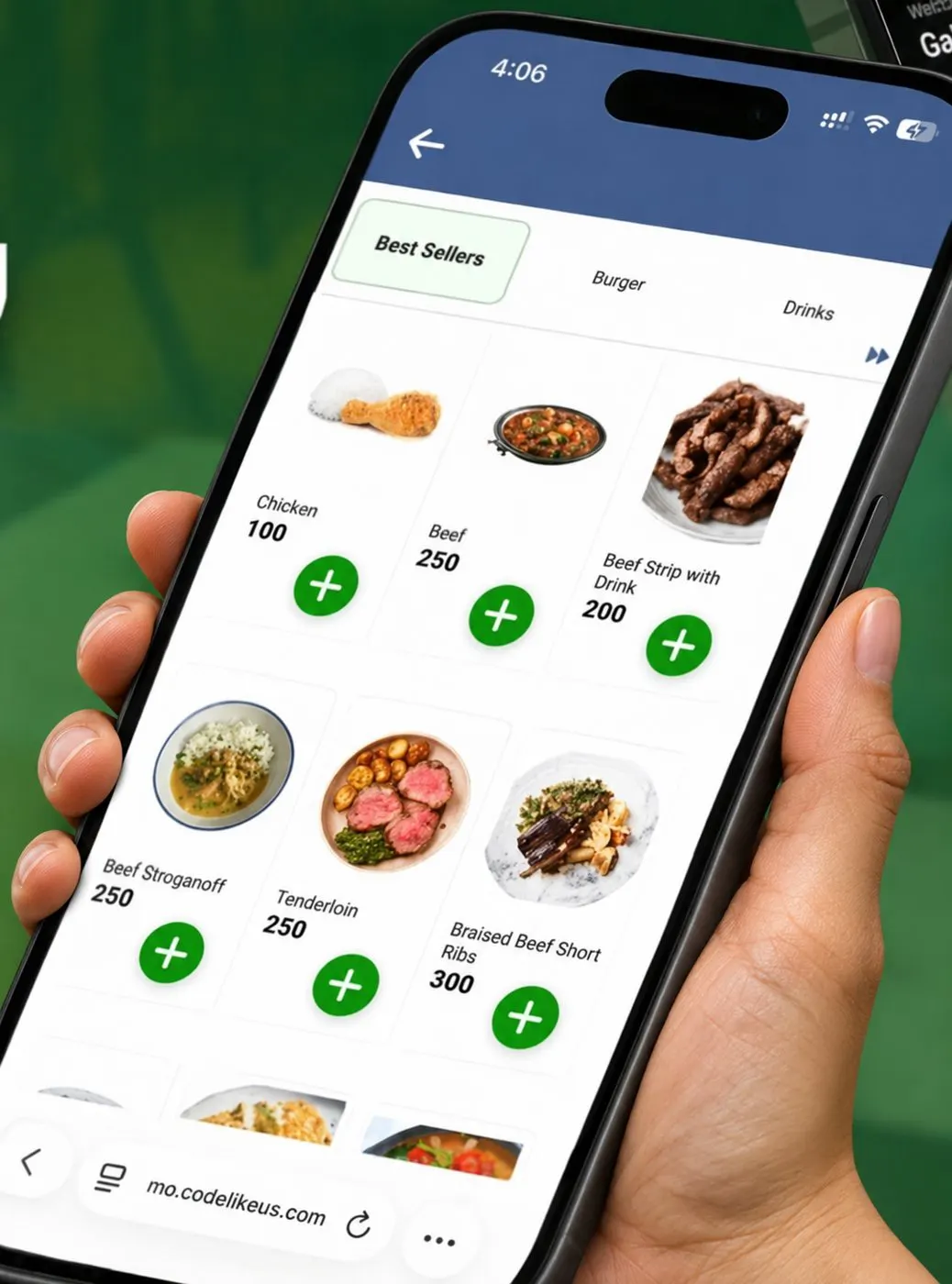
Customer ordering from the menu on their phone
Included with POS Enterprise

Web QR Ordering

Guests scan the QR code on the table, order from their own phone, and the order goes to the kitchen.

You need this ifYour guests wait for a waiter just to place an order.

  • Your menu with photos and add-ons
  • No app to download
  • Guests can call staff or note allergies
  • Orders arrive at your POS terminal and kitchen

What you gainYour staff spend less time taking orders and more time serving.
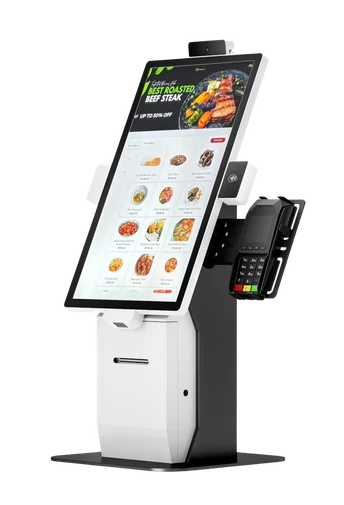
Self-service ordering kiosk

Self-Service Kiosk

Customers tap to order and pay at a kiosk.

You need this ifYour counter gets long lines and you want more orders without more cashiers.

  • Menu with photos and add-ons
  • Every order is offered add-ons
  • The order goes to the kitchen and the queue screen

What you gainShorter lines, and every customer is offered add-ons.

Included with every POS plan

Kitchen Display

Orders show on a screen in the kitchen instead of paper slips.

You need this ifYour kitchen loses or misreads order slips.

  • Orders appear the moment they are rung up
  • Tap to mark an order done
  • Works with QR, kiosk and table orders

What you gainThe kitchen cooks in the right order, and nothing gets lost.

Included with every POS plan

Customer Display

A screen facing your customers.

You need this ifYou want customers to see their order and total, or know when their order is ready.

  • Shows items and total as you ring them up
  • Now serving numbers for pick-up
  • Your own photos and promos between sales

What you gainFewer mistakes at the counter, and fewer people asking if their order is ready.

Click & Collect

Customers order online and pick up at your counter.

You need this ifCustomers call or message you to order ahead for pick-up.

  • Order page linked to your POS menu
  • Pick-up time and ready alerts
  • Works with Loyalty points

What you gainYou get orders from people who would not wait in line.

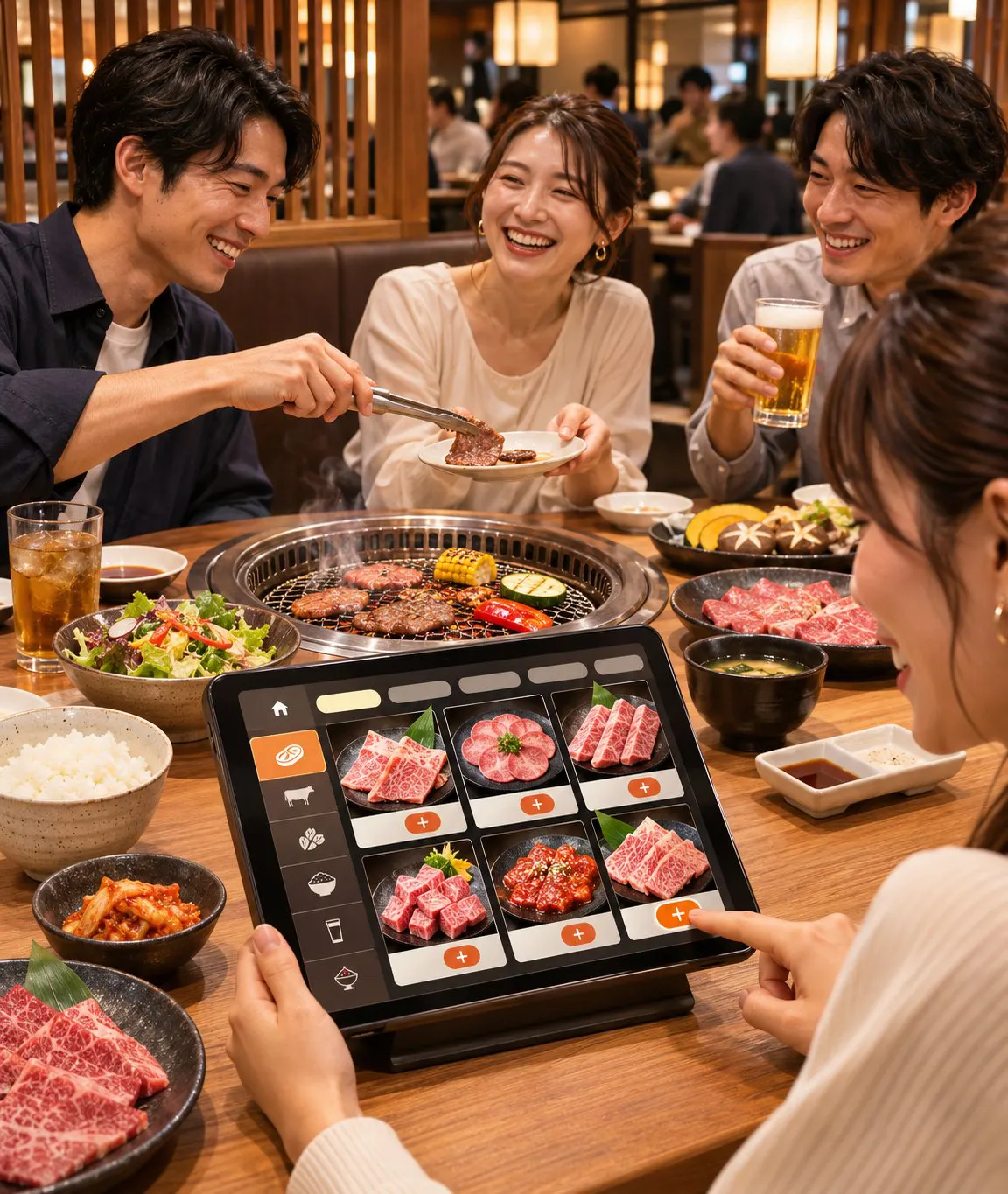
Diners ordering from a tablet at their table

Tablet Ordering

Put a tablet on every table, like many restaurants in Japan.

You need this ifYou run a dine-in restaurant and guests wait to order, or orders get misheard.

  • Guests browse menu photos and choose add-ons
  • They send the order straight to the kitchen
  • Comes with InStore Suite: remote order stations, offline QR ordering, multiple kitchen displays, bookings and queue

What you gainFewer wrong orders. Your staff serve guests instead of running back and forth.

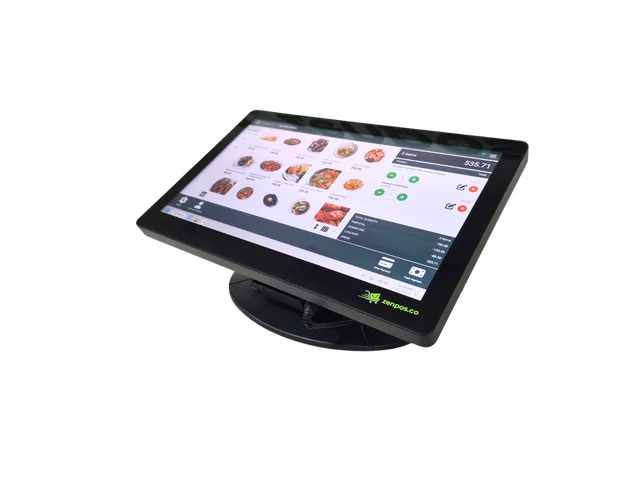
K2 POS terminal

Self-Service Screen

Connect a big touch screen to your K2 POS terminal, and customers order on it themselves.

You need this ifLines build up at busy hours and you do not want to buy a full kiosk.

  • Customers tap their own order on the big screen
  • Your cashier keeps working on the K2
  • Same menu, prices and kitchen orders as your POS

What you gainOne POS terminal works as a cashier and a kiosk.

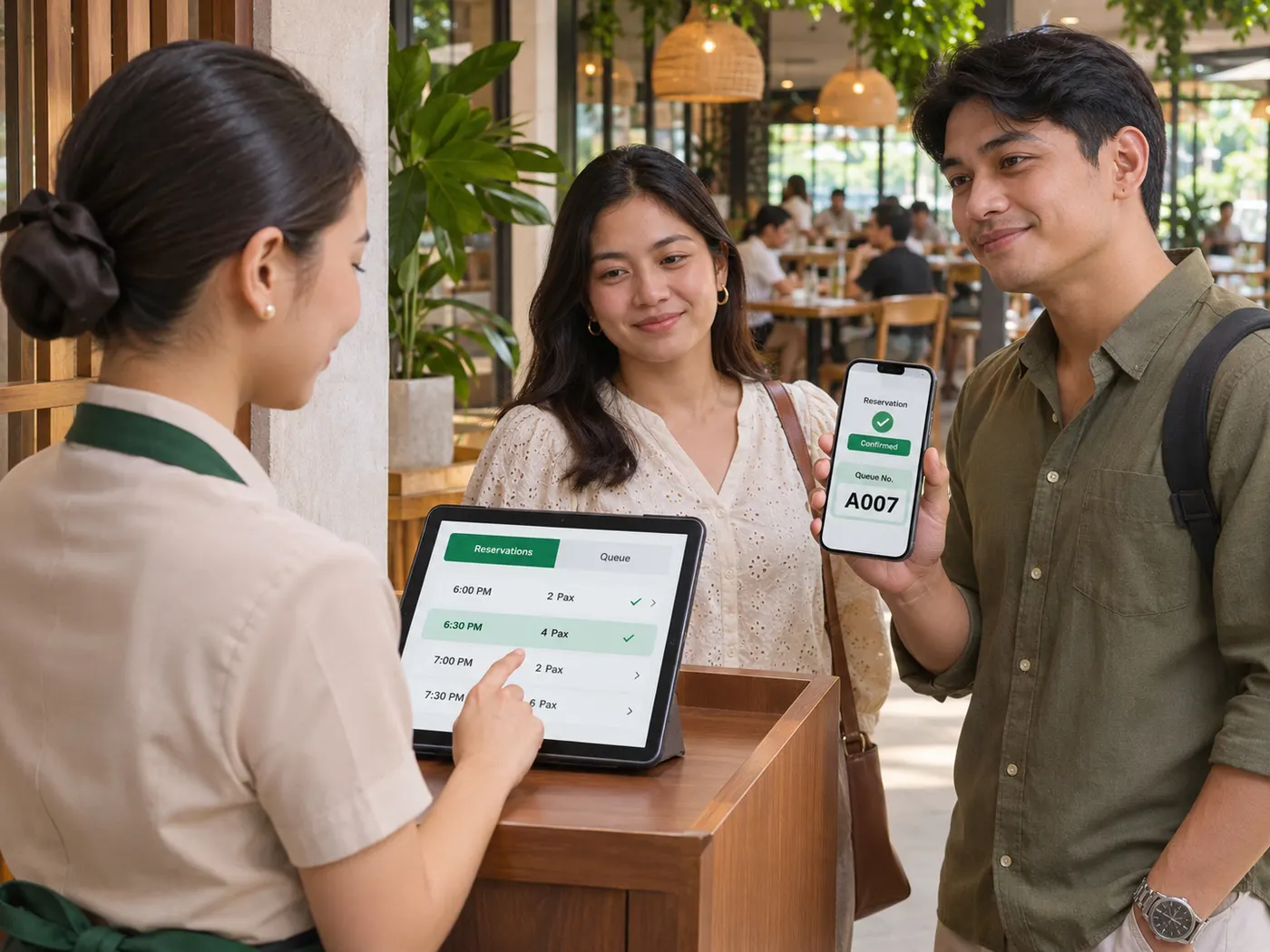
Staff checking a guest booking on a tablet
Free with every POS plan

Bookings & Queue

An online booking page and a walk-in queue.

You need this ifCustomers book appointments or tables, or wait in line at your door.

  • Booking page with your services and schedule
  • Walk-in queue tickets and a queue screen
  • Reminders so fewer no-shows

What you gainFewer no-shows, and no crowd waiting at the door.

Smart WiFi

Free WiFi for paying customers only.

You need this ifYou offer free WiFi but people who buy nothing use it all day.

  • Buy something, get a WiFi code on the receipt
  • The code lasts for the minutes you set
  • No shared password to leak

What you gainYour WiFi serves your customers, and gives them a reason to buy.

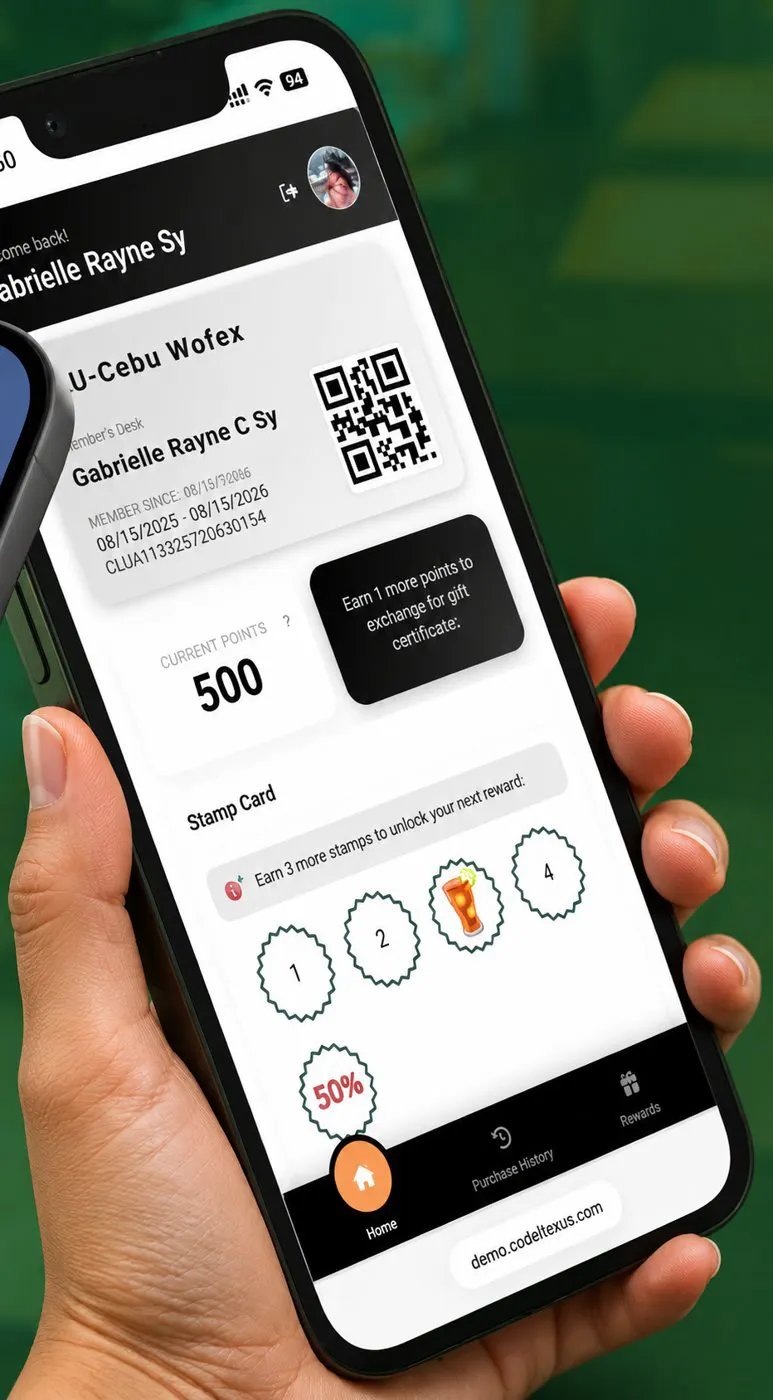
Member showing a loyalty QR code on a phone

Loyalty Program

Bring regular customers back with points, stamps, tiers and gift certificates.

You need this ifYou have regular customers and want them to come back more often.

  • Members sign up with a QR code
  • Earn and redeem at any branch
  • Member reports for your marketing

What you gainYou know who your regular customers are and give them a reason to return.

Start with one POS plan.
Add the rest when you need it.

Every product here runs on the same POS terminal and the same head office. Prices are in our catalog.