Ten plain questions to ask before you sign, so you buy what your restaurant really needs.
A fair warning first. We sell a POS, so we are not neutral. We wrote this guide so the questions work for any supplier, including us. Our own answers are kept apart, at the end, so you can compare.
1
Start with who will use it, not with features.
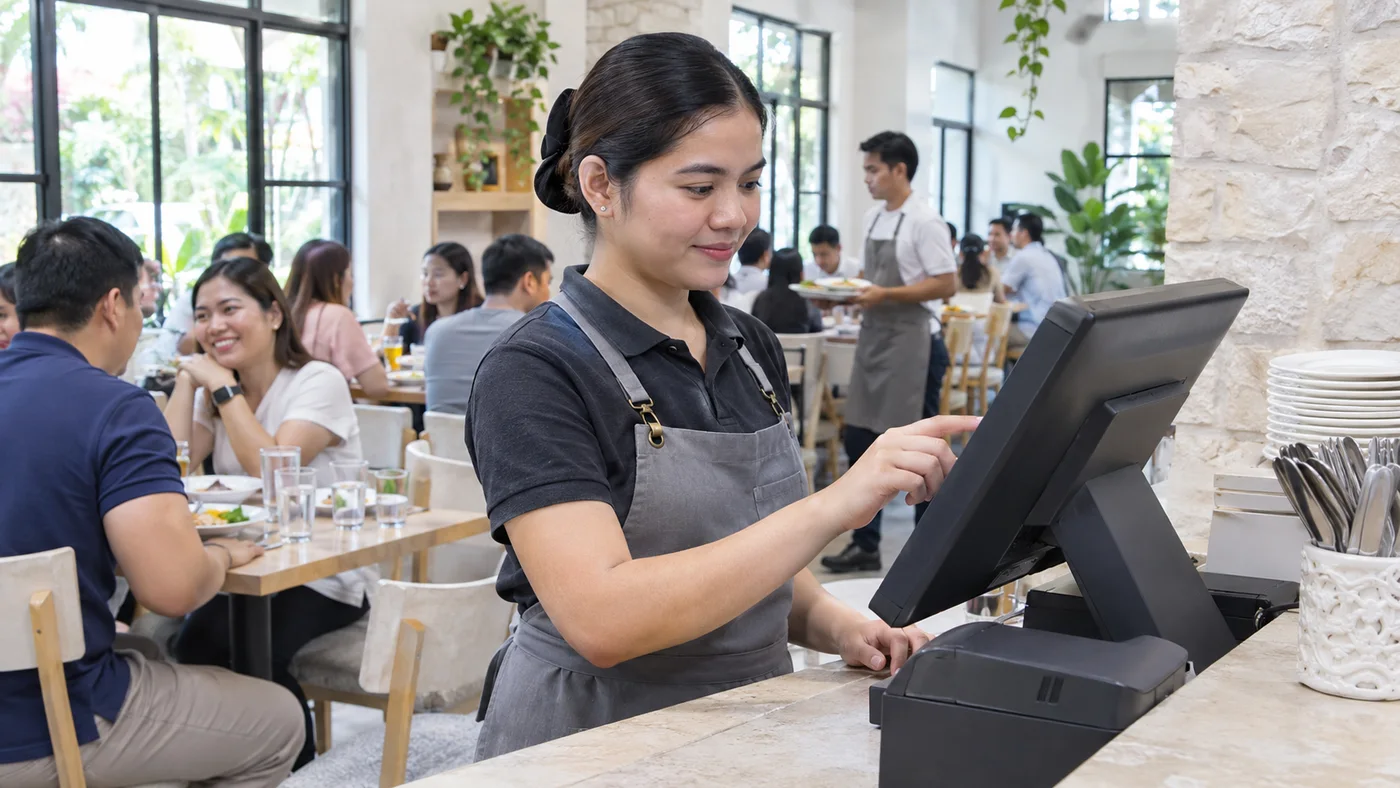
Every supplier will show you the cashier screen first. But taking orders and payments is only a small part of what a POS does, and only your cashier uses that part. Most of it is behind the screen: sales reports, stock, food cost, cash checks and approvals. That part is for you, the owner, and it is where you save or lose money.
WhoWhat they need
CashierFast, simple screens, even on day one.
WaitersTake orders at the table and send them to the kitchen.
KitchenEvery order, clear and in the right order.
ManagerApprove cancelled items and discounts, count cash, check stock.
Owner and accountantSales, food cost, cash shortages and BIR reports, per branch.
Before the demo, write down how your busiest hour really goes: where guests order, how the order gets to the kitchen, how they pay, and what goes wrong.
A small eatery with one cashier does not need kiosks or tablets. A busy dine-in restaurant may lose more from slow ordering than it pays for the system. Buy for your real problems.
Bring to the demo: your menu, your busiest hour, and the three things that go wrong most often. Then ask them to spend most of the demo on the owner's side, not the cashier screen.
2
Is it BIR accredited, and will it stay that way?
A POS that issues receipts needs two things from BIR. The supplier's software must be BIR accredited, and each of your POS terminals must be registered with BIR (a Permit to Use) before you use it. Without these, you can be fined, and BIR can close a store. The POS must also print the right receipts and the daily sales reports BIR asks for (called X and Z readings), and compute discounts the way BIR expects.
BIR rules also change. New rules on electronic receipts and sending sales to BIR online are being rolled out, and which ones apply depends on your type of business. Ask your accountant which apply to you, then ask the supplier how the POS handles them. A POS that nobody updates becomes your problem when the rules move.
Ask the supplier:
Is your POS BIR accredited under the current rules, and can I see the papers?
Will you get the Permit to Use for each of my POS terminals?
When BIR changes the rules, who updates the POS, and do I pay extra for it?
Which recent BIR rule did you update for, and how long did it take?
Who builds and maintains the system? How many people, and where?
Show me a Senior Citizen and PWD discount on a group bill.
3
Will it keep up on your busiest night?
A POS that is fine at 3 pm can slow down at 7 pm, when every table is full, orders come from everywhere and the kitchen is behind. A slow screen at rush hour means a longer line and guests who leave.
The internet will also drop, usually at the worst time. Some POS systems run only in the cloud and stop working when the connection stops. That means a full restaurant and a cashier who cannot make a sale. Even when the internet is down, your POS terminals and kitchen screens still need your store's own network (the router and cables in the store) to talk to each other.
Try this at the demo:
Time a real order: five dishes, one with a change like "no onions", and a Senior Citizen discount.
Ask how many POS terminals and kitchen screens can run together in one store.
Unplug the internet, then make a sale, print the receipt and send an order to the kitchen.
Ask which payments and ways of ordering still work without internet. QR payments and online orders usually need it.
4
Does every order reach the kitchen?
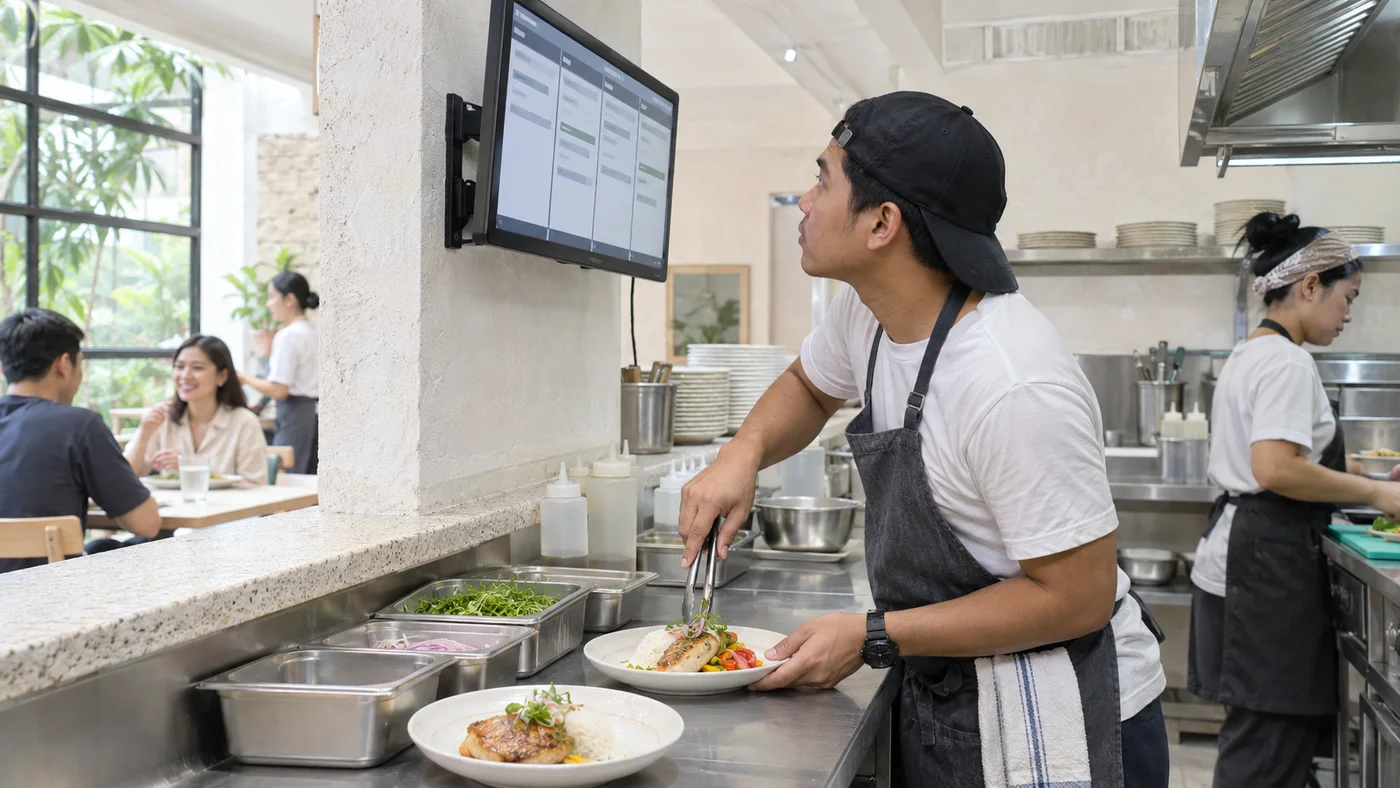
Paper order slips get lost, misread or cooked out of order. Each lost slip is an angry guest, a wasted plate, or both. A kitchen display is a screen in the kitchen that shows every order the moment it is entered.
Ask the supplier: show me one order from the counter, one from a table, and one from a QR code, all arriving on the same kitchen screen.
5
How will your guests order?
This choice changes your staffing more than anything else. Pick what fits your restaurant. You do not need all of them.
Way to orderBest for
At the counterSmall eateries and quick-serve with one or two cashiers.
Waiter takes the orderClassic dine-in. A handheld phone or tablet saves the walk back to the POS.
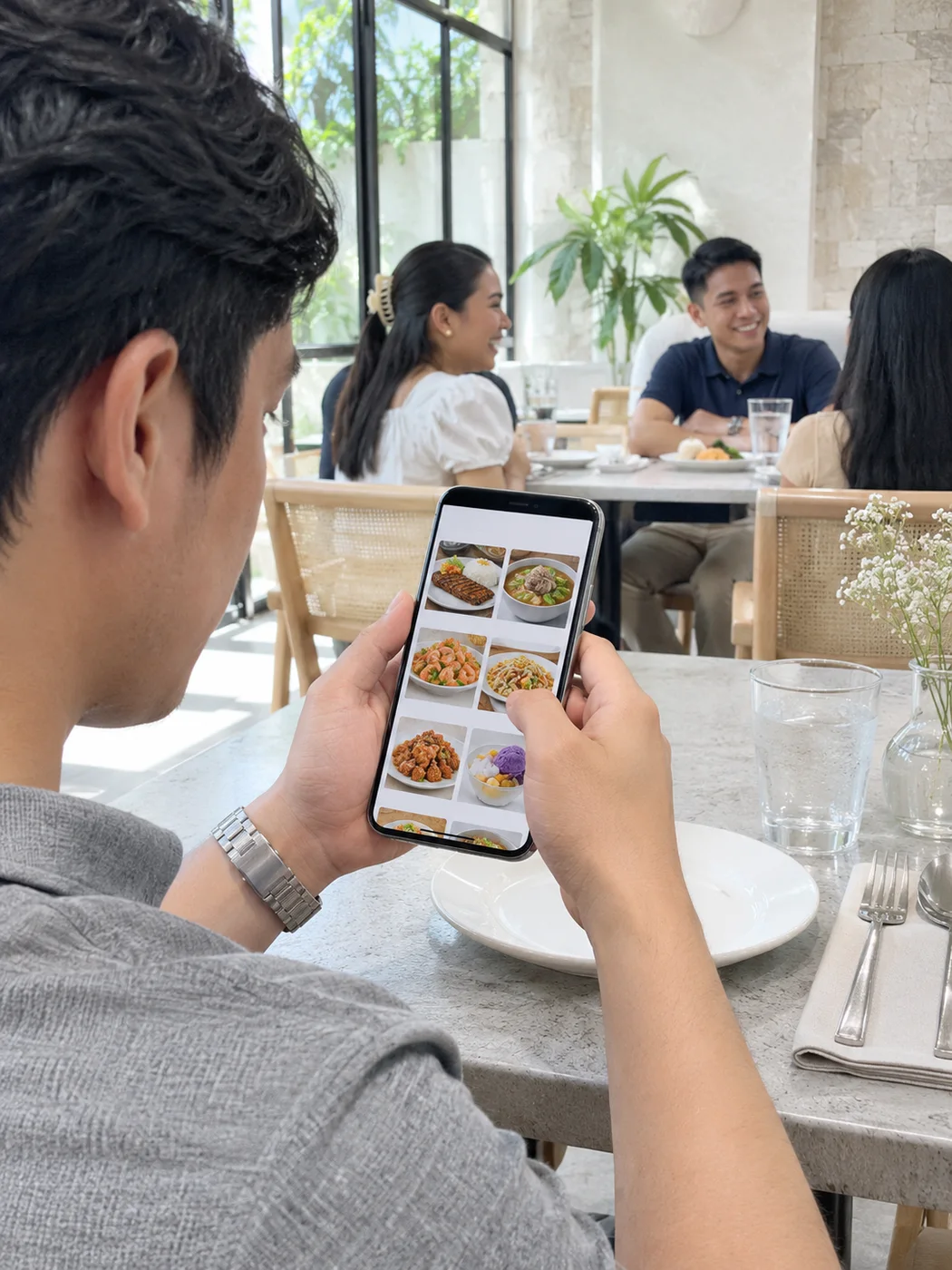
QR code on the tableDine-in where guests wait too long for a waiter. Nothing to download.
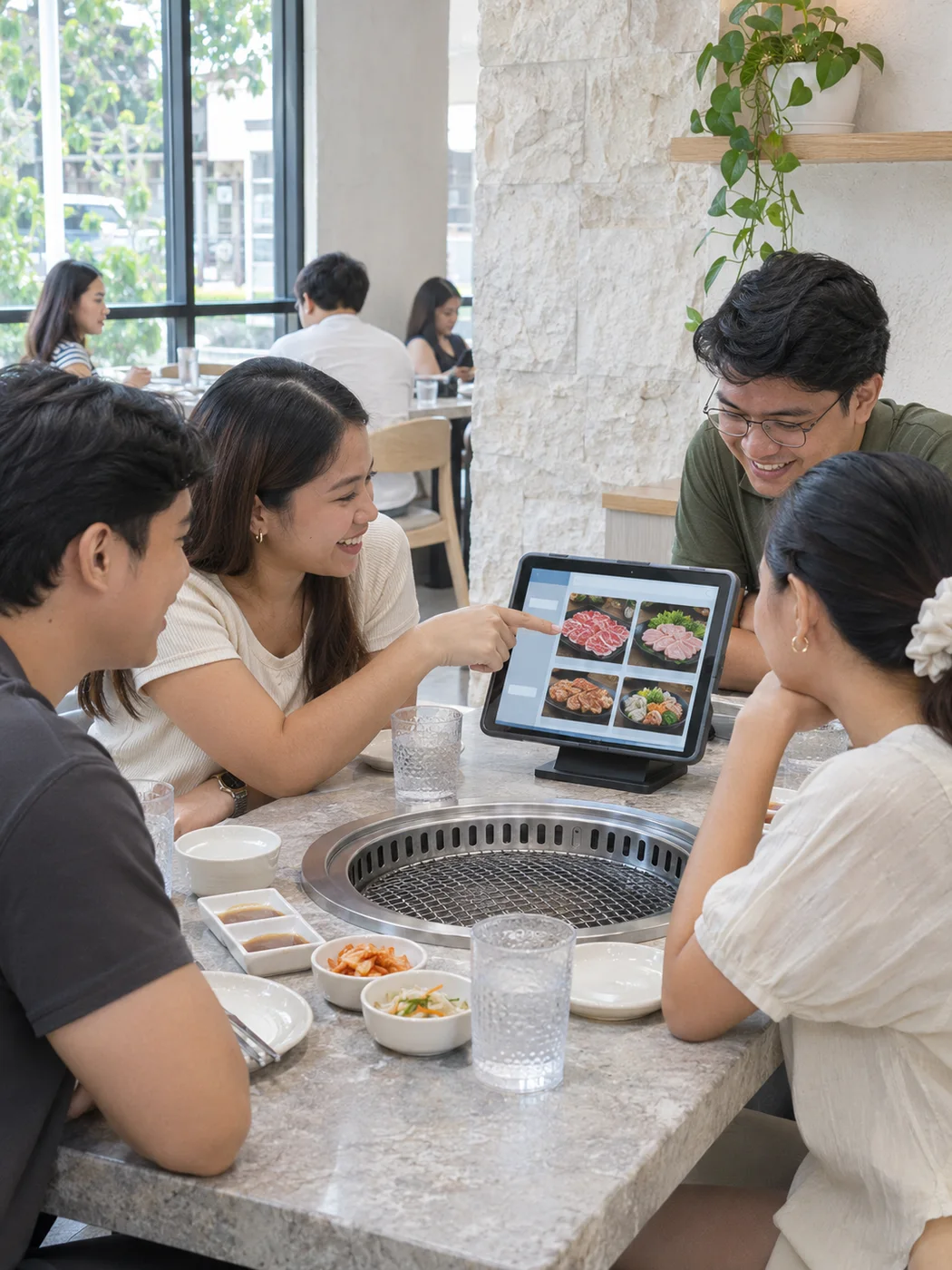
Tablet on the tableBusy dine-in, buffets and grill restaurants where guests order again and again.
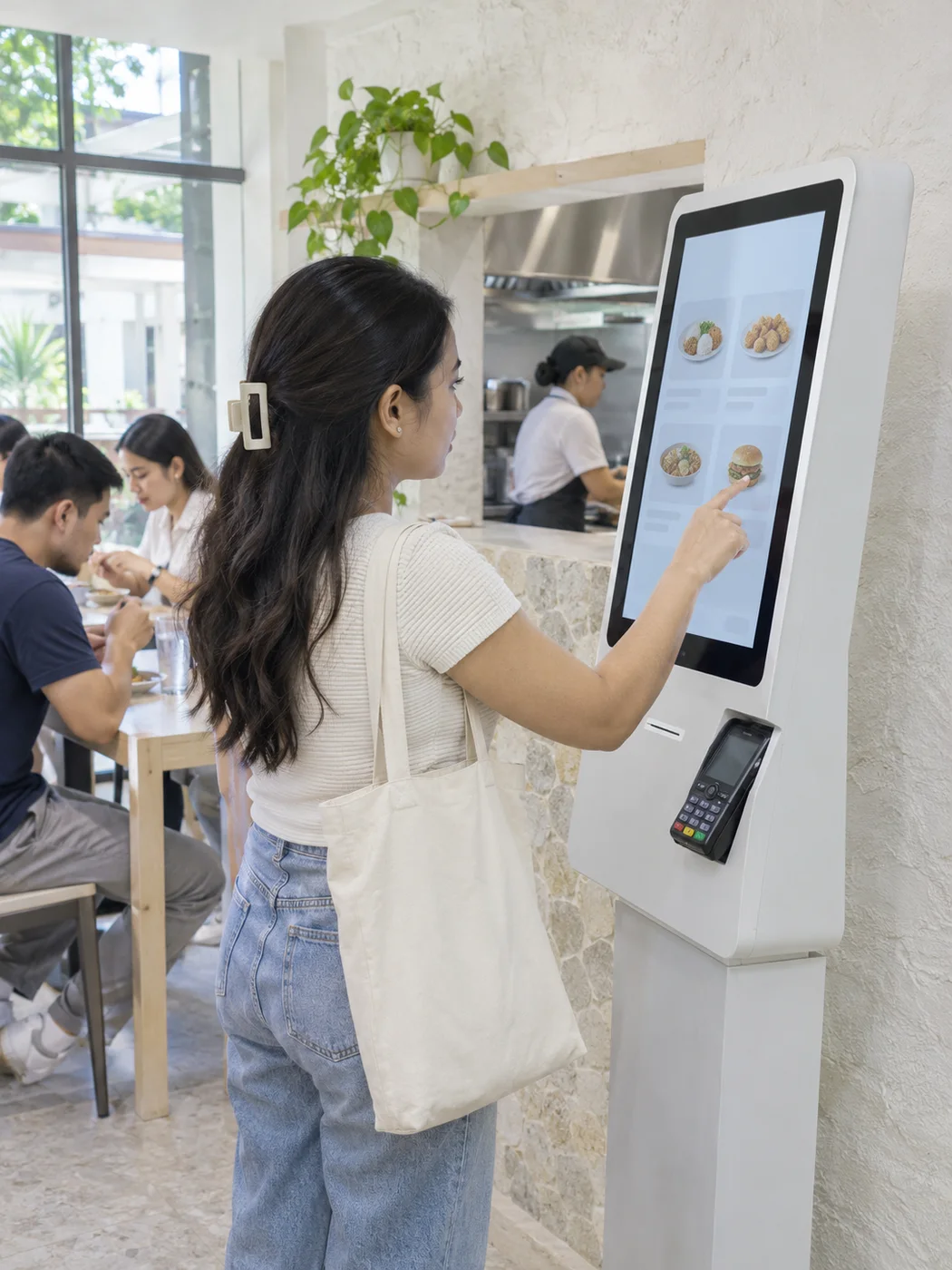
Self-service kioskQuick-serve with long lines at the counter.
Order ahead onlineRegulars who pick up on the way to work.
QR orderingTablet orderingKiosk
Ask the supplier: if I start with the counter only, can I add QR, tablets or a kiosk later without changing systems?
6
Can you see your food cost, not just your sales?
Many restaurants sell well and still lose money, because ingredients go missing or a dish costs more to make than they think. A good POS takes the ingredients out of stock every time a dish is sold, so you can compare what you used with what you should have used.
Ask the supplier: if I sell 100 plates of chicken adobo, does the system take the chicken, soy sauce and rice out of my stock? Can I count stock and see the difference?
7
How do customers pay?
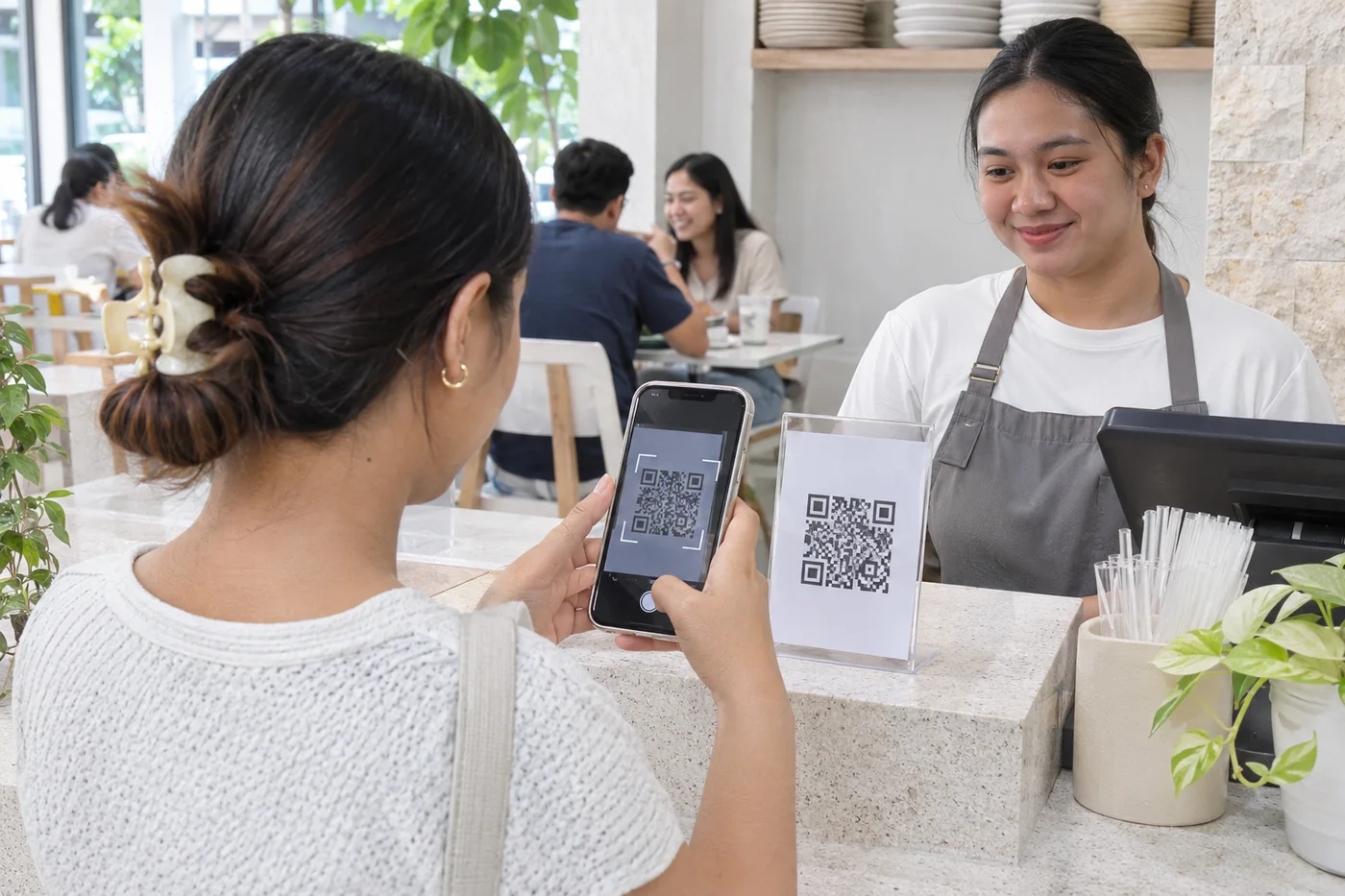
Guests pay with cash, cards, GCash, Maya and bank apps. Two problems are common: a fake payment screenshot, and a card amount typed wrong into the card terminal.
Ask the supplier: does the POS confirm the QR payment by itself, or does my cashier look at the customer's phone? Is the card terminal connected, or do we type the amount twice?
8
Are you in a mall?
Most malls ask tenants to send their sales every day, in the mall's own format. If your POS cannot do it, someone in your team prepares it by hand, every day.
Many malls also keep a list of POS suppliers they allow. Check this before you sign, not after you open.
Ask the supplier:
Is your POS allowed by my mall, and do you already send sales to it?
Can you name a store in that mall that uses you?
Ask the mall's tenant office too. They will tell you which suppliers work.
9
Will it catch irregularities when you are not there?
This is most owners' biggest fear, and for good reason. Money leaves a restaurant quietly: an item cancelled after the guest paid, a discount for a friend, cash that comes up short, stock that disappears from the storeroom.
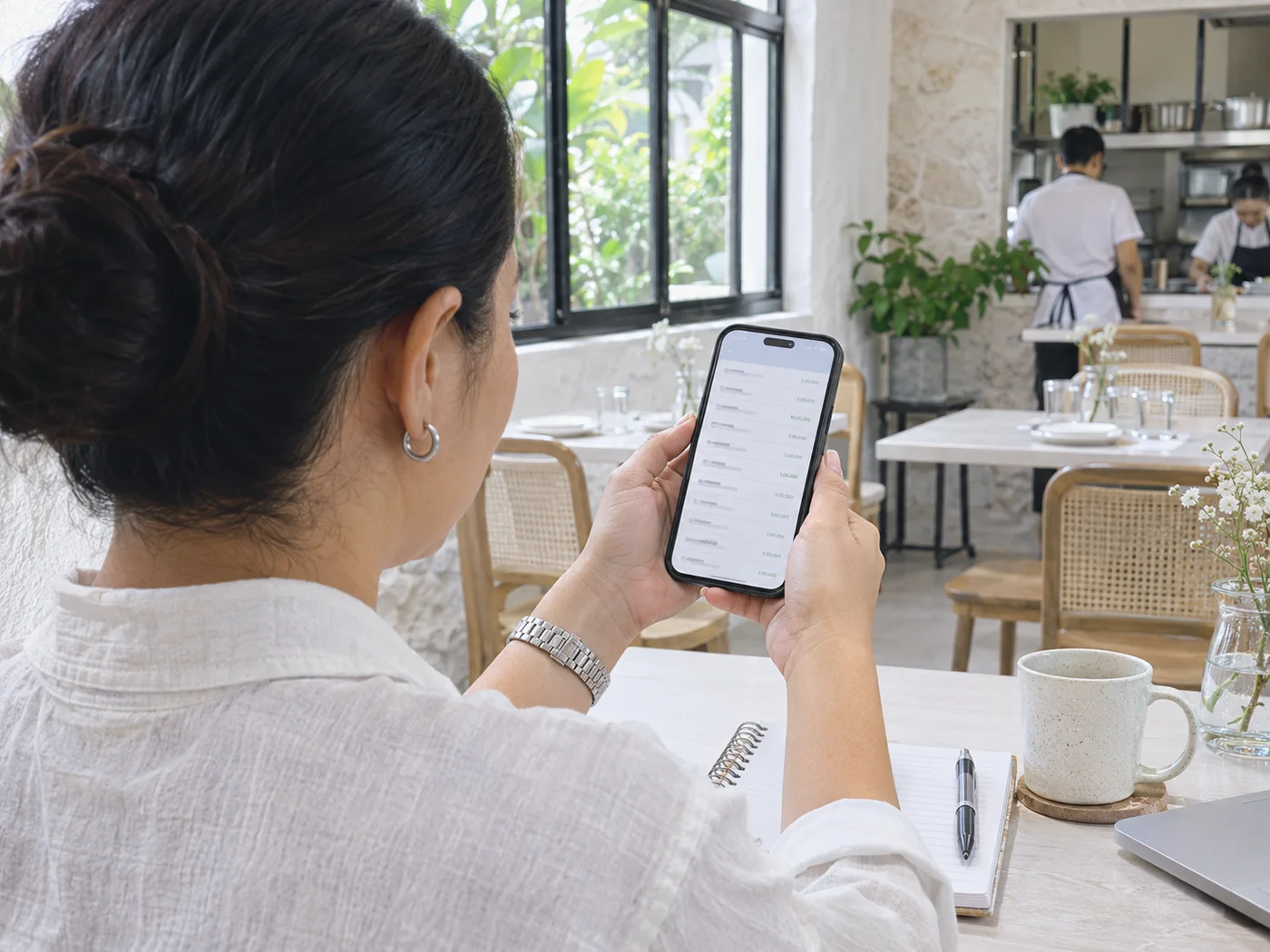
A good POS records who did what and when, asks a manager to approve the risky actions, and points out the unusual ones. You should see them from your phone, not at the end of the month, and you should not have to read every receipt to find them.
Ask the supplier:
Can I see every cancelled item, discount and refund, with the name of the staff and the time?
Does it need a manager's approval, and will I get a notice on my phone?
Does it point out the unusual ones, or do I have to read every report?
Does it compare the stock I used with what I sold, so I see what went missing?
10
Who helps you when it stops?
This is the question most owners forget, and the one they regret most. A POS problem on a Saturday night costs real money. Find out who answers, how fast, and whether they know your setup.
Ask the supplier:
Who do I call, and do I talk to a person?
Are they open at night and on weekends, when restaurants are busiest?
Is support local, and can someone come to the store?
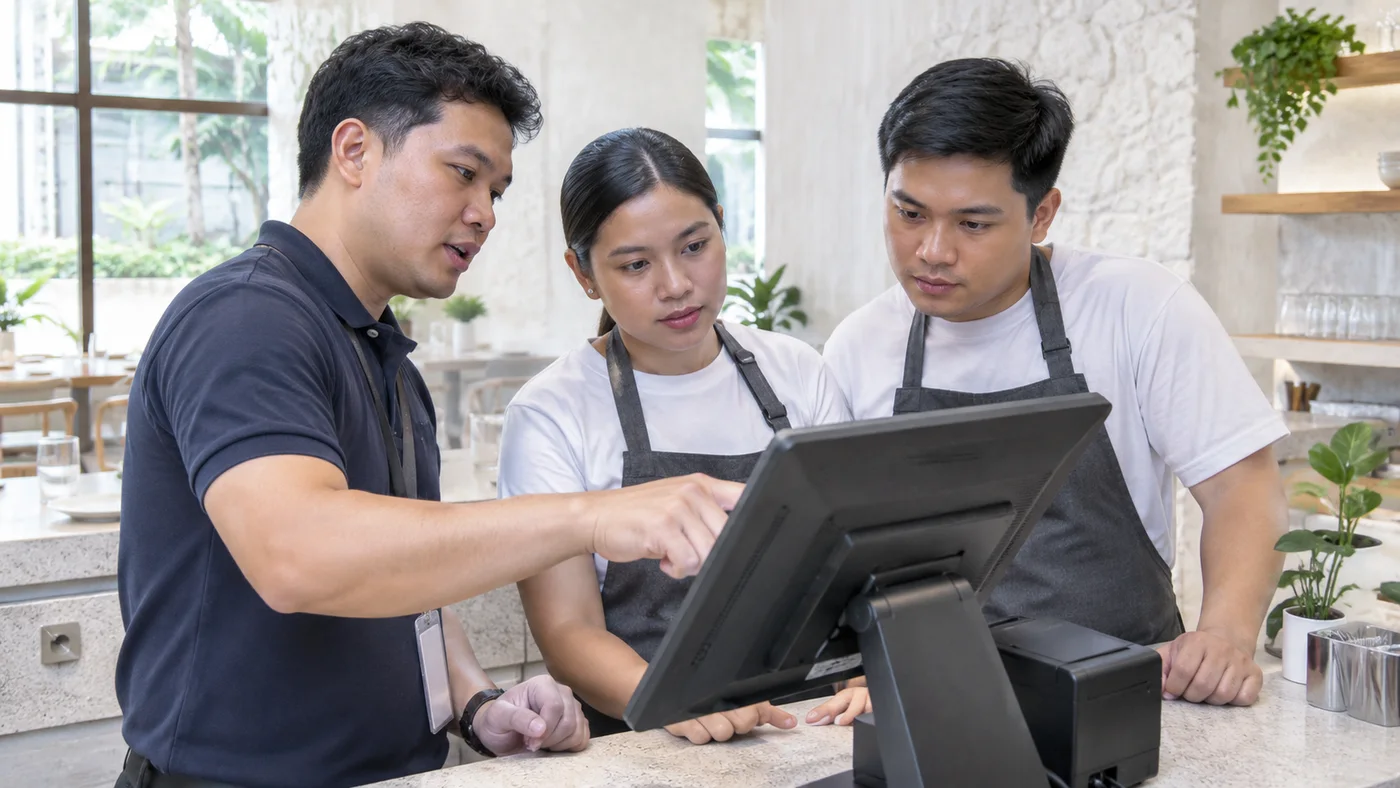
How many hours of training do my staff get?
Can I talk to two restaurants that use your POS today?
✓
Are you choosing a partner, or just buying software?
A POS is not a one-time purchase. You will use it every day for years, through BIR rule changes, new branches, new staff and broken printers. So you are choosing the company as much as the software. Ask yourself: will they still be here, and still improving it, five years from now?
Be careful with big claims. They are easy to say and hard to check.
They sayAsk them
"We are the best."Best at what, and for whom? Has anyone tested every POS out there to say so? Ask them to show you, on your own menu.
"We are the cheapest."Cheapest compared to what? Some POS software is even free. Ask for the first-year and renewal cost, and what costs extra later: support, updates, BIR changes, more POS terminals.
"We are the most trusted."Trusted by whom? Was there a survey? Ask for real customers you can call instead.
Ask the supplier:
How long have you been making POS, and do you build it yourselves or resell someone else's?
How many stores use it today, and which ones can I visit?
When was your last update, and what did it change?
When my business grows, more branches, a kiosk, online orders, can I stay on the same system?
✓
What will it cost in total, and can you leave?
A low monthly price can hide extra charges. Add up everything for the first year before you compare: software per POS terminal, hardware, printers, kitchen screens, add-ons, setup and training.
Also ask what happens if you leave. Your sales history belongs to you. You may need it for BIR, for the bank, or when you sell the business.
Ask the supplier: give me the full first-year cost in writing, item by item. If I stop, do I keep my data, in what format (for example Excel), and how fast do I get it?
See it in a real restaurant.
A demo shows the best case. A restaurant like yours that already uses the POS shows the real one.
Ask the supplier for two restaurants you can visit or call, ideally your size and type.
Ask the owner what broke in the last three months, and how fast it was fixed.
Watch the cashier and the kitchen during a busy hour if you can.
Ask what they would choose differently if they started again.
The short checklist
A demo of the owner's side, not just the cashier screen
BIR accredited, with papers to show, and kept up to date when the rules change
Fast at rush hour, and keeps selling without internet
Every order reaches the kitchen screen
The ways of ordering that fit your restaurant, and room to add more
Recipes and stock, so you see your food cost
QR and card payments confirmed by the POS
Allowed by your mall, with sales sent automatically, if you are in a mall
Who cancelled, discounted or refunded, with the unusual ones pointed out on your phone
A local team that answers, and real training
A long-term partner with a track record you can check, not just big claims
The full first-year cost in writing, and your data stays yours
BIR accredited. It prints BIR receipts, daily X and Z readings and BIR reports, and handles Senior Citizen, PWD, Solo Parent and Medal of Valor discounts. Our own team builds the system and updates it when BIR rules change. As a policy, BIR updates are free on your plan. For example, the BIR clarified withholding tax on invoices in October 2026, and we added support in November. For BIR electronic invoicing, our accreditation as a provider (ESP) is still pending.
Each POS terminal saves the sale on the terminal itself, so a slow or dropped internet does not hold up the cashier. Everything goes to your online back office when the connection is back. QR payments and online orders need the internet.
The Kitchen Display software is included with every POS plan, within its device allowance: POS Starter connects one kitchen display, customer display or printer, and POS Enterprise up to three, in any mix. The kitchen screen itself is hardware you buy. Orders from the counter, QR, kiosk and tables all arrive there.
Maya QR payments use QR Ph, the national QR code, so most e-wallets and bank apps work, and the payment is confirmed on the POS (Maya fees apply). Card terminals get the amount from the POS.
The EA Owner's App is free with every POS plan. It tells you about cancelled items and discounts, lets you approve them, and shows sales per branch. AI Integration, an add-on, flags signs of theft, odd voids and costly errors for you to review, and our stock loss reports show where your stock is going.
Support by our own staff, backed by the developers who build the system, in Metro Manila, Metro Cebu and Metro Davao. Training is 4 hours on POS Starter and 8 hours on POS Enterprise.
We are a complete solution with a track record you can check. We have built POS for 26 years, in Cebu, and we build it ourselves. We shipped 1,830 improvements in 2026 up to November 18, see recent updates on our What's new page. The same system grows from one restaurant to many branches, kiosks and online orders. Ask us for stores like yours to visit.
One plan for each POS terminal, paid monthly or one time, plus only the products you need. Browse our software catalog and hardware catalog, and ask us for an itemized quote. Your data is yours, with up to 20 years of sales history, and it comes with you if you leave.
Ask us the ten questions.
Bring your menu. We'll show you the answers on your own dishes, and unplug the internet if you like.