
Guide · 2-minute read
Why self-service? Shorter lines, steadier prices.
Two stories from Kobe and Singapore, and what they mean for your store.
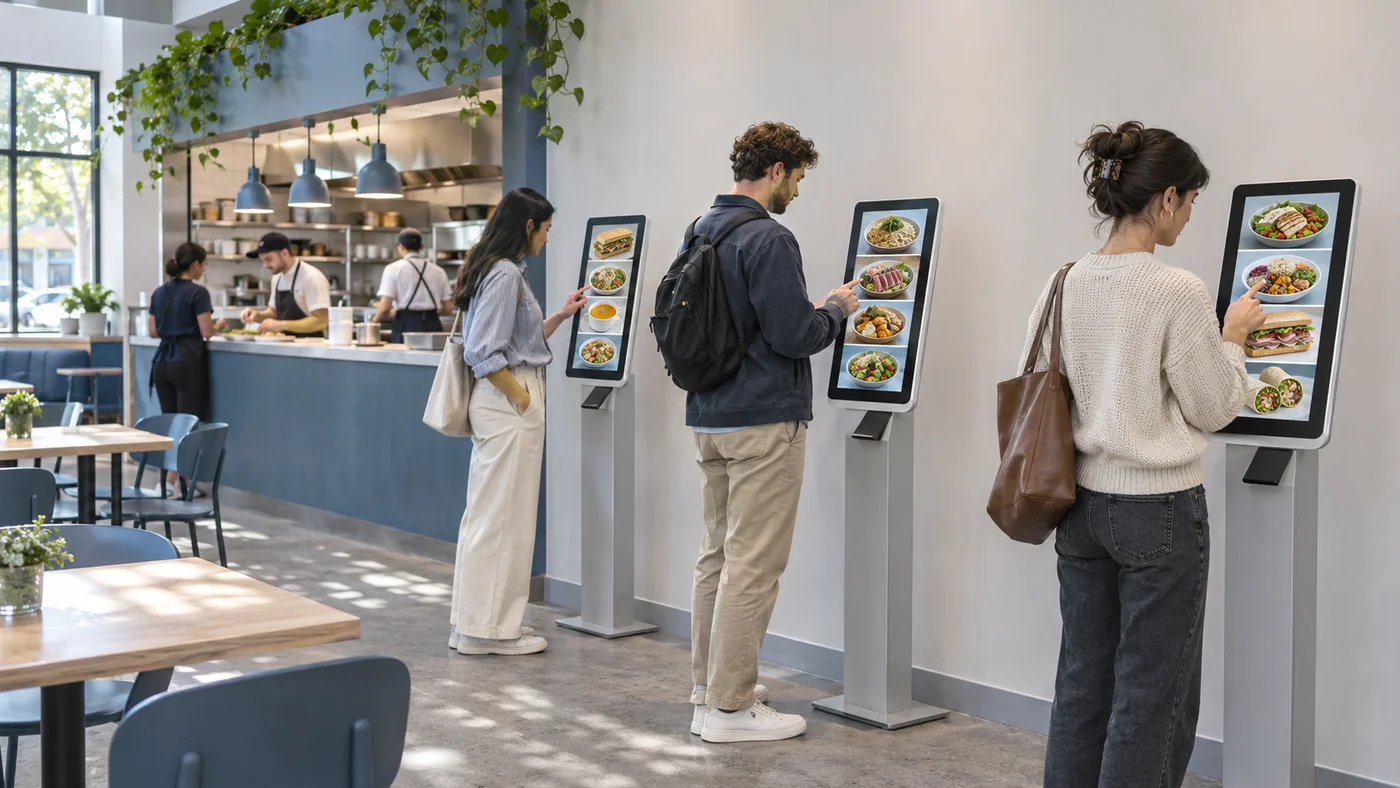
Kobe: 50 people, gone in 10 minutes
Lunch rush at a fast-food restaurant in Kobe, Japan. About 50 people were waiting. Nobody lined up at a cashier: everyone queued at the self-service screens, ordered and paid. Ten minutes later, the line was gone.
Singapore: three staff on duty
At a restaurant in Singapore, customers ordered and paid at a screen, waited for their number, picked up their food and their own cutlery, and after eating, returned the tray to the drop-off area. There were only three staff: two in the kitchen, and one wiping tables and checking on customers.
What it means for your store
- The ordering line gets shorter, because several customers order at the same time, as long as the kitchen keeps up.
- Customers pick their own add-ons, so there are fewer misheard orders.
- Time saved at the counter can go to food prep and serving.
- With rent, wages and ingredients going up, that time helps you hold the line on prices and quality.
Start small
- One screen beside the counter is enough to start. Keep the cashier for customers who prefer to talk to someone.
- Show order numbers on a screen, so customers know when their food is ready.
- Let regulars order ahead from their phones, so they skip the ordering line.
- Compare the line and the wrong orders before and after the first screen, then decide on more.
Our Self-Service Screen adds a big touch screen to your K2 POS terminal, and our kiosk and QR ordering send orders to the same kitchen screen as the counter. Click & Collect lets regulars order ahead with a ready alert, and the Customer Display shows now-serving numbers.
Curious how it would work in your store?
Try ordering on the self-service screen yourself, with your own menu.