
Guide · 2-minute read
The QR code on your invoice, and why your POS must keep up.
BIR e-invoicing, explained with a real phone call.
The phone call
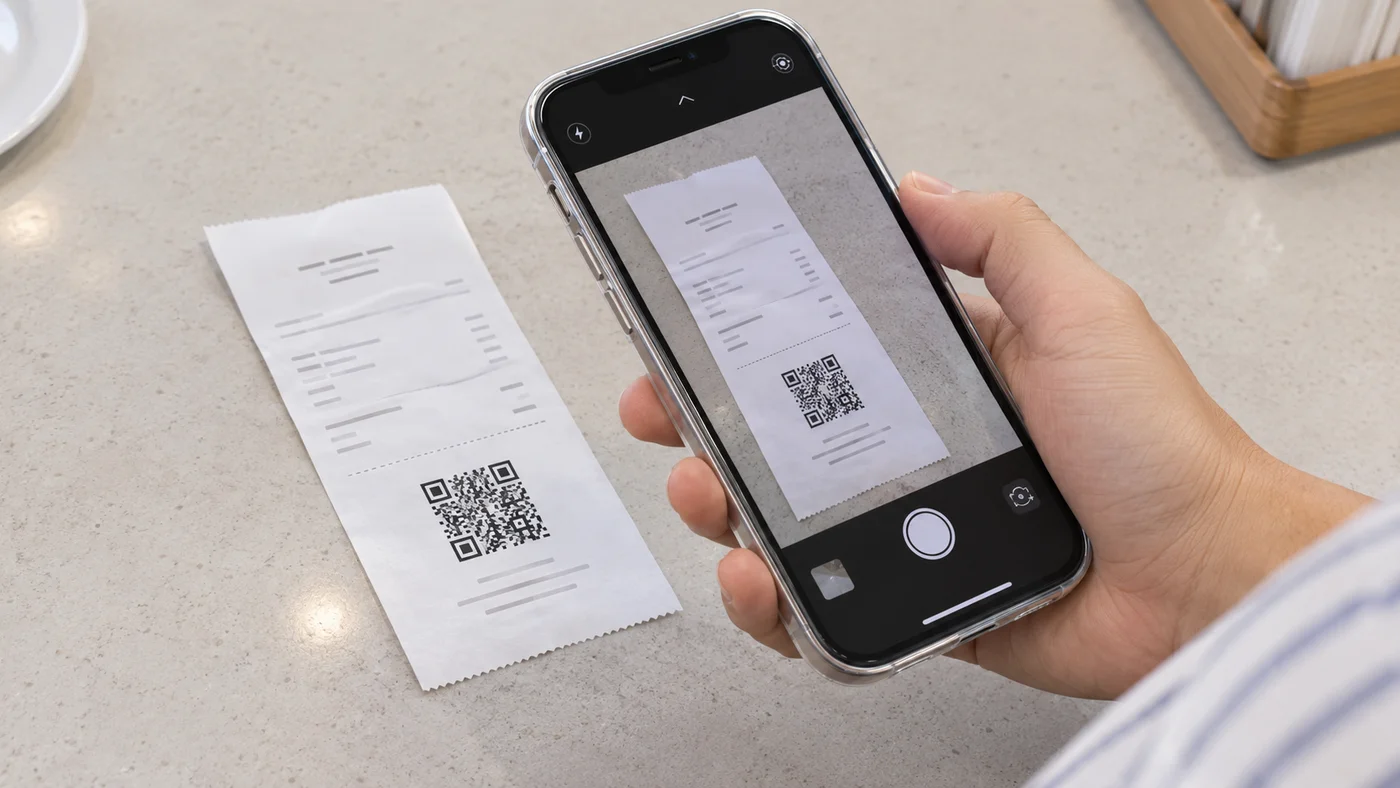
A restaurant owner called us, worried. They told us their BIR office wanted a QR code printed on the invoice, one the customer can scan to open the invoice online. Did their POS do that? It did. The feature was already there, ready to switch on.
What the QR code is for
Under the BIR's electronic invoicing rules, an electronic invoice has to reach the buyer digitally. A QR code on the printed invoice is one of the accepted ways, next to email, online viewing and apps. The customer scans it with a phone and sees the invoice online.
But a QR code alone does not make you ready. The system must also keep the invoice data in a set digital form that can be turned into the format the BIR requires. Businesses covered by the rule must issue electronic invoices by December 31, 2026. Before issuing, they get a Permit to Issue Electronic Invoice from the BIR, then an EIS Certification within six months of that permit. Micro taxpayers are not covered by this deadline, though they may choose to issue electronic invoices. Sending your sales to the BIR online is a separate step that starts when the BIR releases its rules. Ask your accountant whether you are covered. BIR circular summary
Why your POS must keep up
The BIR keeps changing the rules: withholding tax on invoices, electronic invoices, sales reporting. A POS that never connects online or exports its data cannot deliver an online invoice on its own. Working offline still matters when the internet drops. What you need is a system that works offline and also connects online, and a supplier who updates it when the rules change.
Our POS can print a QR code on the invoice that opens an online copy of it. BIR updates are included in your plan.
Did your BIR office ask for a QR code?
Talk to us. We will show you how it works on your own invoice.