
Guide · 2-minute read
Protect your POS from power problems.
What a brownout, a surge or a power cut can do to your POS, and simple ways to protect it.
What happens
The lights flicker in the middle of a sale, and the POS shuts off. When the power comes back, the POS takes a long time to start, or will not start at all. If the power cut out while it was saving a sale, that sale can be lost.
The warranty will not save you
Most hardware warranties cover manufacturing defects only. Damage from a power surge, a spill or an accident is usually yours to pay, so check what your warranty covers. In one mall store, a POS terminal and its printer broke at the same time. The mall would not cover it and said the units were defective. It is hard to prove the power was the cause, so protect the machines before it happens.
A UPS helps
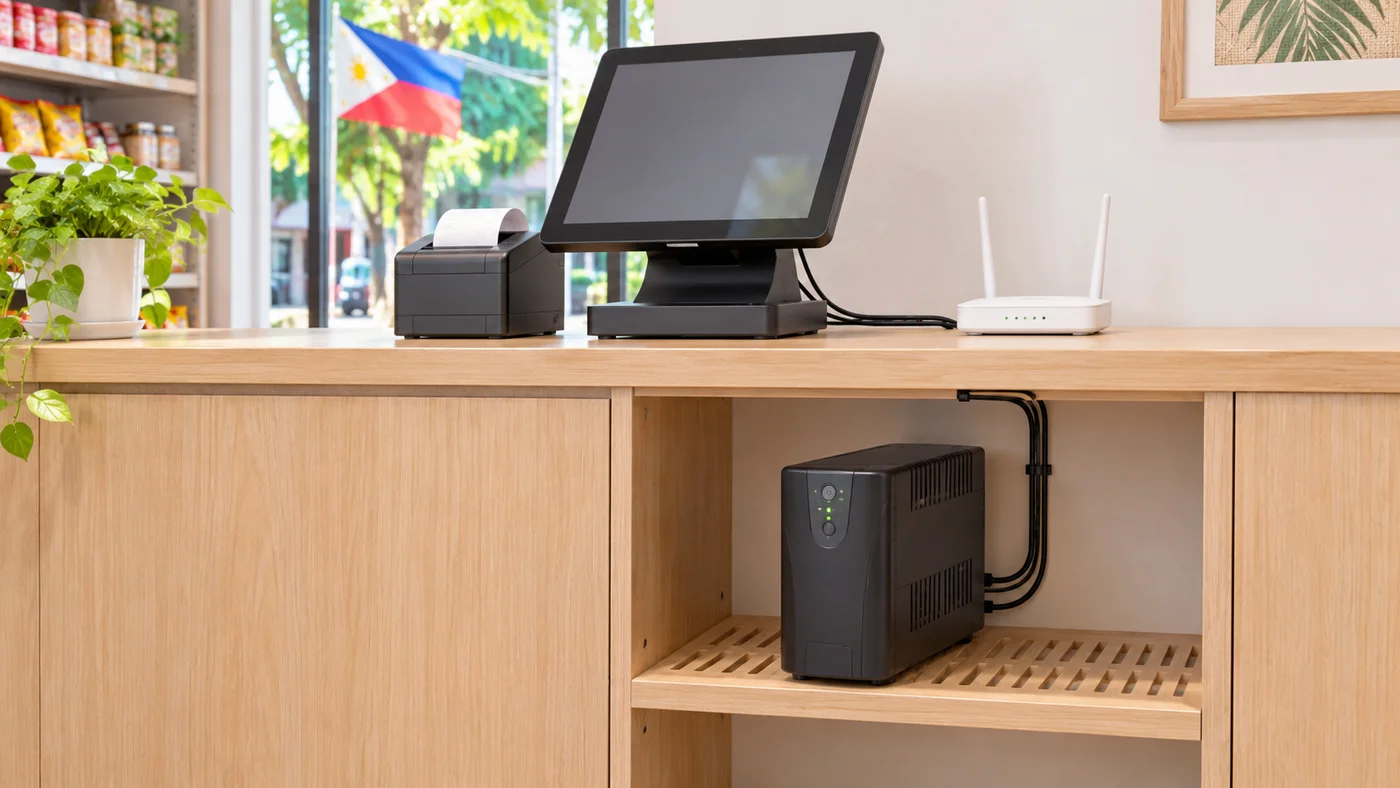
A UPS is a battery box that can keep your POS and router running long enough to finish the sale and shut down properly. Get one with surge protection, do not overload it, and replace its battery when it no longer holds.
Other practical tips
- Mall outlets. The outlet in a mall stall may be shared with other equipment. Do not overload one outlet or chain power strips together: it is a fire risk. If in doubt, ask your mall or an electrician to check it.
- Power cords. Do not bend a power cord sharply or pinch it under a counter or cabinet. A bent or damaged cord can heat up and cause an accident or a fire.
- Fridges and heavy machines. A fridge, a freezer or another big appliance can cause a brief dip in the power when it starts. If your POS screen flickers or the POS restarts when a machine starts, ask an electrician to check the circuit, the grounding and whether the POS needs its own. A UPS does not stop everything: we have seen a POS near heavy equipment get damaged even with a UPS.
- Water. A spilled drink or a wet floor can damage equipment. Keep liquids away from the POS terminal and printer, and keep equipment off the floor.
Each POS terminal saves the sale on the terminal itself, so a slow or dropped internet does not hold up the cashier. When we set up your store, ask us which UPS suits your POS terminals and router.
Brownouts in your area?
Ask us how to set up your counter so a power cut does not stop the day.