
Guide · 2-minute read
Set up the right network for your POS.
A POS needs the right setup to work right: not only the internet, but also your store's own network, especially with Wi-Fi kitchen printers and screens.
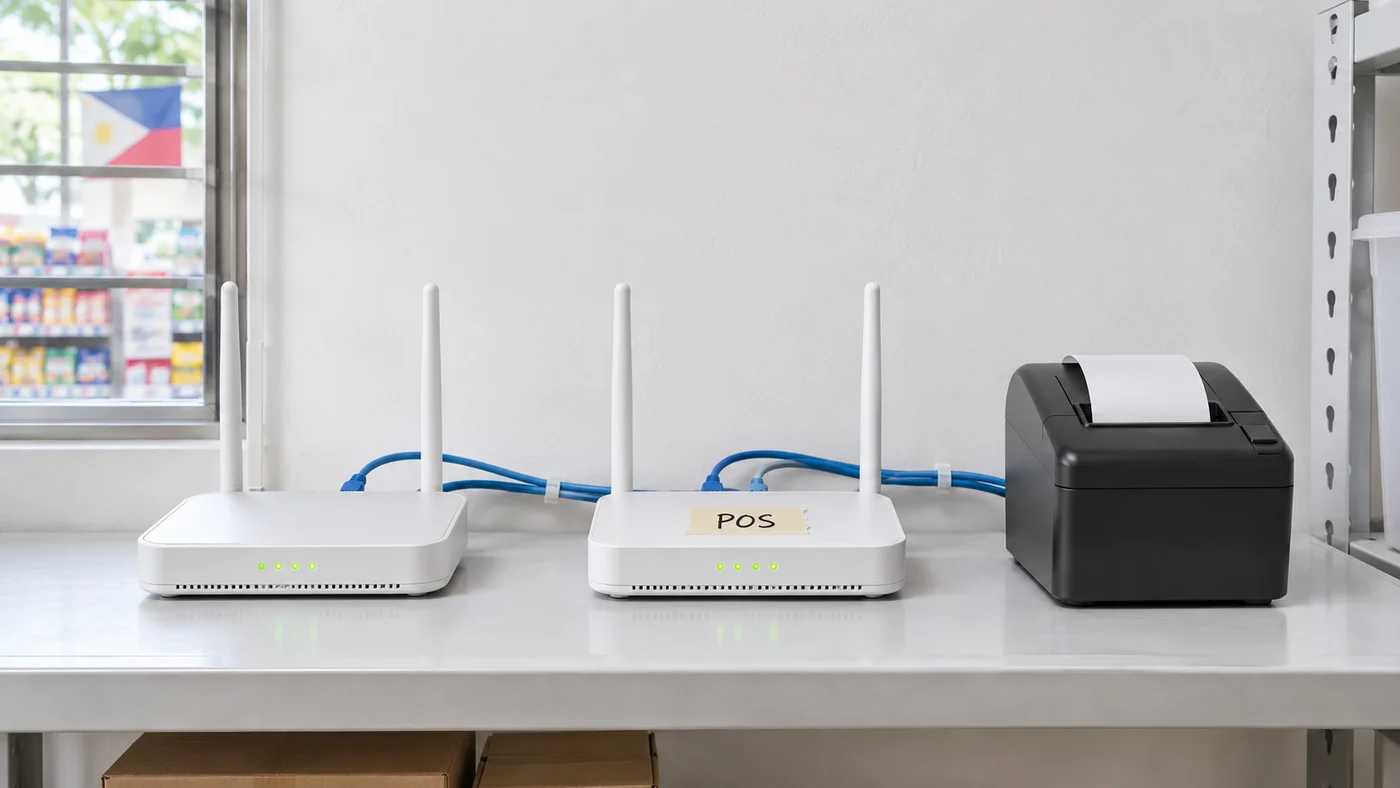
What happens
The kitchen printer worked for months. One morning, orders stop printing. Nothing changed in the POS. What changed was the internet: the provider's router reset itself after a power outage or an update, or a technician swapped it for a new one. The POS can no longer find the printer, the kitchen misses orders, and someone has to come and set it up again.
Why it happens
The POS finds each printer by its address on the store network, like a house number. When the internet provider's router, from PLDT, Globe or others, is reset or replaced, the address the printer gets can change. The printer moves to a new "house number", and the POS keeps knocking on the old door.
What many stores do
- Get a separate router just for the POS, set up as its own network, not only as a Wi-Fi extender. Put the POS terminals and printers on it, not on the provider's Wi-Fi or the guest Wi-Fi.
- Ask the installer to fix each printer's address on that router. It then stays the same when the provider swaps theirs.
- Write down the router settings and keep them somewhere safe.
- A cable helps a printer far from the router stay connected, but it does not fix a changed address on its own.
If the printer already stopped
Check that the printer and the POS are on the same network. Then ask your installer to compare the printer's current address with the one saved in the POS, fix it, and print a test.
Who sets up the network?
The store network, the router, the cables and the Wi-Fi, is usually not part of the POS, unless your contract says so. We have seen a store ask its POS supplier to find out why the POS could not reach a kitchen printer several rooms away. That is network work. Agree at the start who sets up the network and who looks after it.
It costs more than you think
Every time the network has to be set up again, the store loses time, and fees may apply, especially for a site visit. That is fair: it is real work. A separate router is a small cost that avoids paying for the same fix again and again.
Our POS works with compatible network printers and kitchen displays over your store's own network. When we set up your POS, ask us which router setup they need.
Printer trouble again?
Ask us how to set up your store network so it stays put.