
Guide · 2-minute read
Advanced inventory management: what it really means.
Simple plus and minus, or inventory you can trust.
What happens
The POS says there are 40 kilos of coffee beans. The shelf has 25. Someone changed the number last week, and nobody knows who or why. That afternoon, the online store accepts an order for 30 kilos, because the POS says there are 40.
Quantity-only tracking or advanced inventory
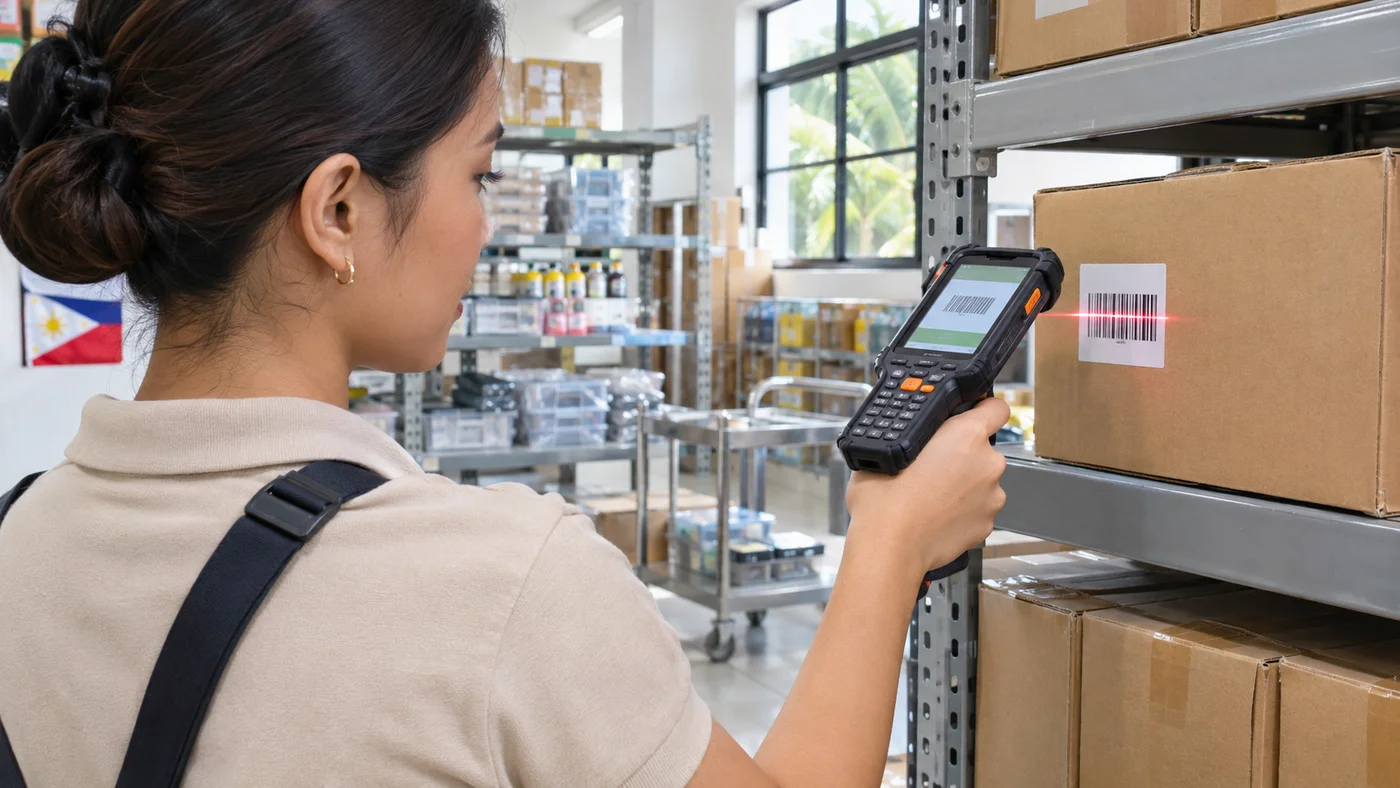
A stock count is what your staff do on the shelf. Inventory tracking is what the system keeps between counts. Many POS systems offer inventory, but often it only tracks a quantity, plus and minus: anyone can edit the number, like a spreadsheet, and there is no history to trace a mistake. In the end, it is a feature you cannot rely on.
Why it matters
- Enough stock, not too much. You reorder on time, without filling the stockroom.
- Selling online. You can only promise an order if the stock count is right, and your online store shows the same stock.
- Raw materials used properly. Variance reports compare what your sales should have used with what was actually used, so waste and shrinkage show up early.
It needs a good process too
The best system still needs people to follow a few steps: receive deliveries against the order, record transfers between branches, count stock regularly (one shelf at a time, like convenience stores do, so the store stays open), and give a reason for every adjustment. See how to do a stock count and multi-branch POS.
A stock ledger you can trace to the source, recipes, access control, stock for every branch and warehouse, reorder points and variance reports. Every record is kept from your first day: older ones are archived, and you can still view them. Your staff can count at the shelf with our mobile app, one section at a time, without closing the store.
Can you trust your stock count?
We'll show you a stock ledger with your own products.