
Guide · 2-minute read
Cheapest POS? What to check before you sign.
New POS brands appear every month. Will yours still be there in three years?
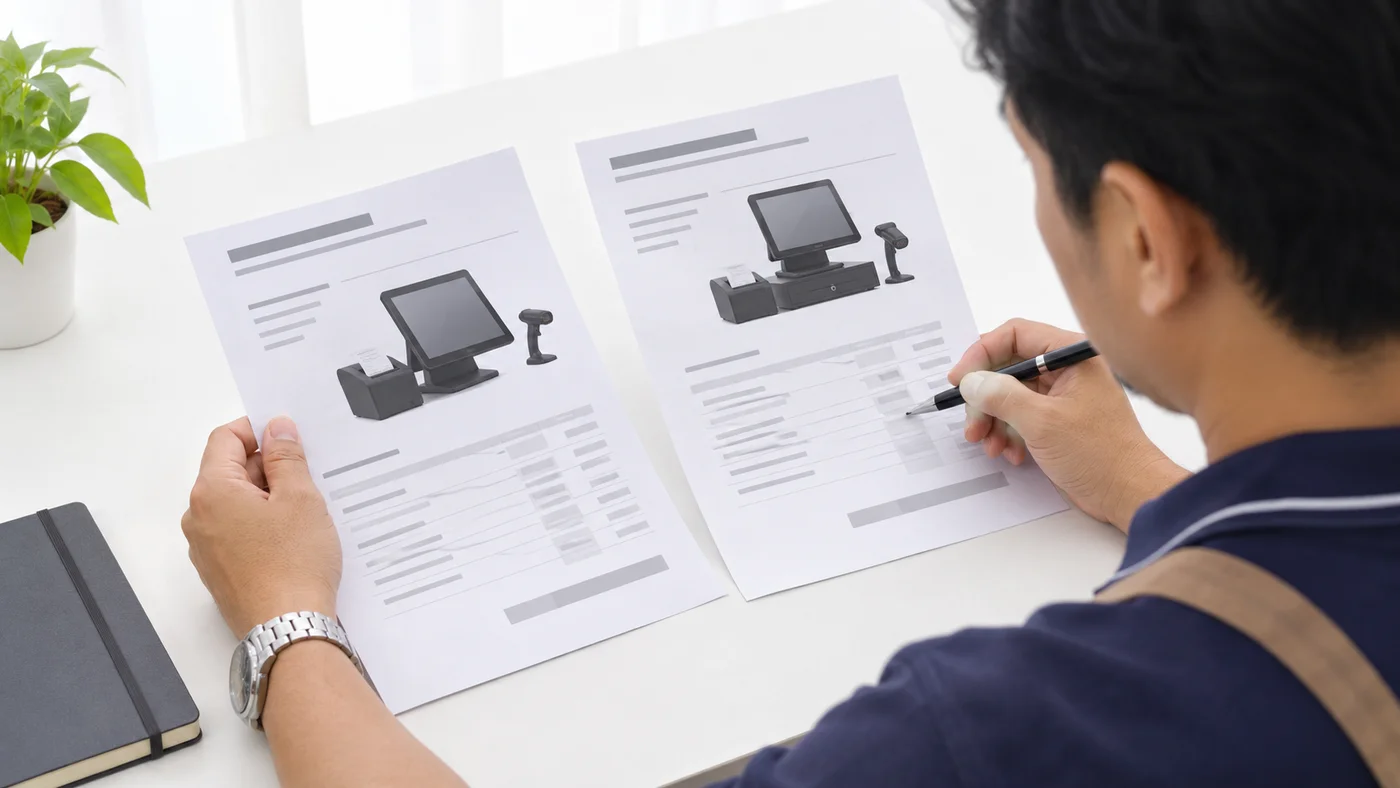
What is happening
Tools like AI make it easier to build a basic POS, so new POS brands show up all the time, often with a cheaper package. Some will be good. But a POS is not a one-time purchase: it runs your store every day, for years. So ask who will maintain it, support your store, and keep it up to date two or three years from now.
The real risk
A low price or a new name does not mean a supplier will fail. The real risk is what happens if they disappear. Nobody updates the POS when the BIR changes the rules. Nobody fixes it when it breaks. And your sales history is stuck in a system nobody runs anymore. Saving a little at the start can cost a lot later.
The cheapest package is not always cheap
What we hear from owners who chose on price alone:
- No professional service when something goes wrong.
- Hours on support calls instead of running the business.
- Numbers you cannot rely on.
- Slow support and broken promises.
- The same problems, again and again.
- A system that cannot grow with the business.
And your time is not cheap. Every hour spent on a support call, or fixing the same problem again, is an hour not spent running your business.
Switching later is not cheap either
You may think: if the cheap one does not work out, I will just switch to a better one later. But switching is hard, and it often takes far more effort and money than expected. Many stores change their POS at least once. When they do, they pay again: retraining every cashier and branch, sometimes new hardware or licences, sales history left behind if it cannot be exported, disruption during the switch, and mistakes while everyone relearns. Choosing well up front can save you from paying for a second rollout.
What to check
- Experience. How long have they been in business? Ask for stores that have used them for two years or more, and visit one that agrees.
- BIR accreditation. Ask for the Certificate of Accreditation for the exact POS software and version they are offering, and check it with your RDO or the BIR's eAccReg list. Each POS terminal still needs its own Permit to Use.
- Support. Is there a help desk, local staff, and someone who can actually fix the system? See what 24/7 support really means.
- Who builds it. Do they develop the software themselves, or resell someone else's?
- Your data. If they close or you leave, can you export your sales history? Ask for a sample export, the formats, how fast you get it, and any exit fee, in writing.
- The second and third year. Compare the total cost over two to three years, including support, updates and renewals, not only the first payment.
A POS runs your business every day. Are you willing to take that risk to save a little?
We have built POS for 26 years, in Cebu, and we build it ourselves. Our software is BIR accredited. Your data is yours, with up to 20 years of sales history, and it comes with you if you leave. Ask us for stores like yours to visit, where the owner agrees.
Ask us the same questions.
Every question on this page applies to us too. We will answer them.