
Guide · 2-minute read
Your busiest night is the worst night for the POS to stop.
What goes wrong at rush hour, and how to choose a POS you can count on.
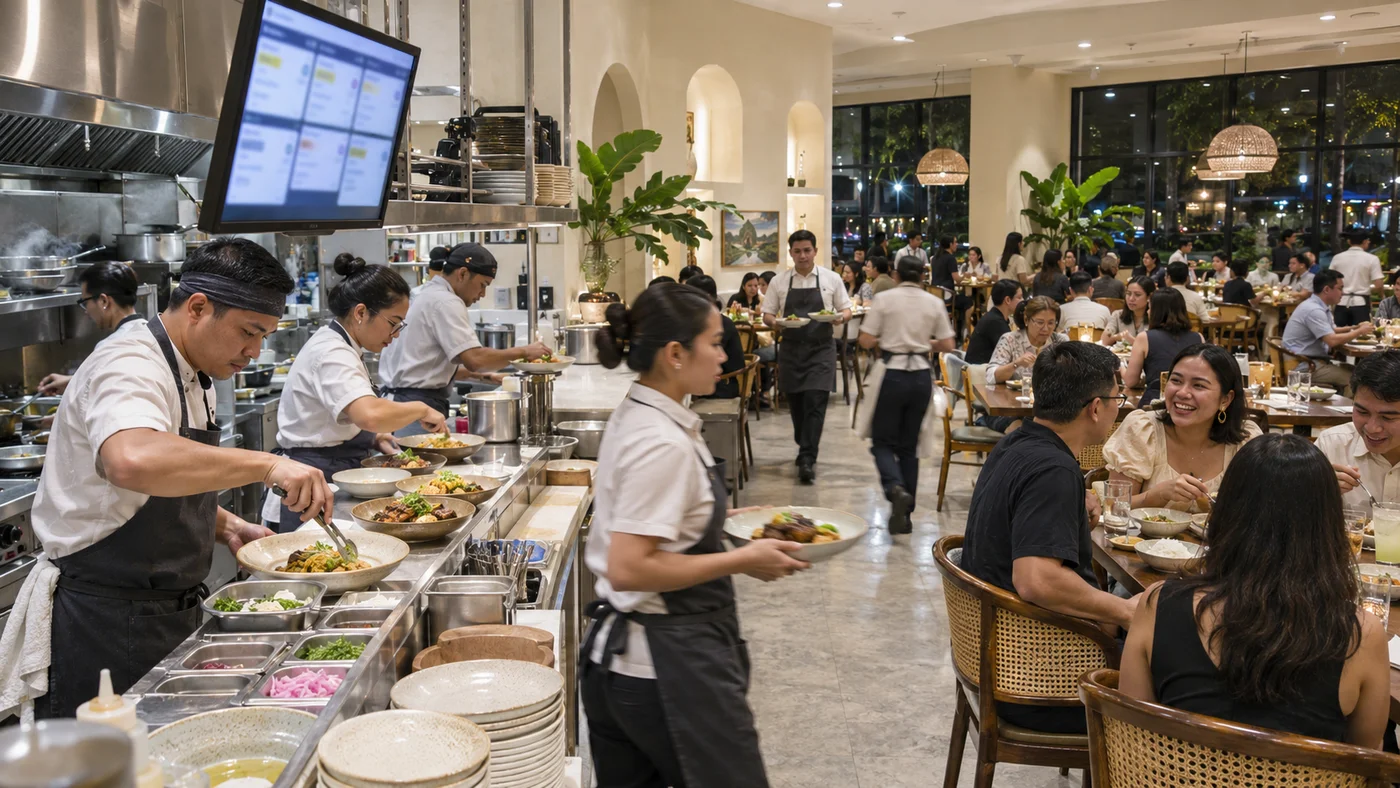
The night everything stopped
Picture a fully booked Saturday night. The POS does everything: it takes the orders, sends them to the kitchen, adds up the bills, takes the payments and prints the invoices.
For weeks there were small signs: a few orders never reached the kitchen screen, and guests asked why their food was late. Then, on the busiest night of the month, the system stopped. Orders on paper, bills added up by hand, a line to the door, and bad reviews the next morning.
What it really costs
A restaurant's name takes years to build. One bad night can undo a lot of it, over something the owner could not control on the spot. That can cost far more than the money saved on a cheaper system. Do not gamble your restaurant's name to save a little on the POS.
What went wrong?
Who knows? Often the vendor cannot give you a straight answer. It could be the network, a bug that only shows up at rush hour, or months of sales data slowing the system down. Many systems are built as if everything will always work, with no plan B. But one thing is for sure: it is screaming that you need a better, more reliable POS.
What a reliable POS looks like
- It has a plan B. When one part fails, a POS terminal, the kitchen screen or the connection, the rest should keep going. Ask what keeps working, try it, and show your staff what to do.
- It keeps your sales safe. After a power cut or an outage, finished sales and payments are still there. Check any card or QR payment that was in progress before charging again, so nobody pays twice.
- It stays fast as it grows. Years of sales should not slow down tonight's orders.
- It gets fixed with care. Every system has bugs. Ask how the supplier tests a fix before it reaches your store.
- It has been through many rush hours. Years of busy nights in real stores, with problems found and fixed, make a system harder to break.
Check before you buy
- At the demo, switch off one part at a time, a POS terminal, the kitchen screen or the connection, and see what still works: checkout, the invoice, orders to the kitchen. When everything is back, check that no sale is missing.
- Visit a restaurant that uses it, on a busy night, and talk to the manager.
- Keep a paper backup plan that follows your BIR-approved procedure, and practise it once.
We have built POS for 26 years and build it ourselves. Our own developers maintain and improve it. Each POS terminal saves sales on the terminal itself and can keep recording cash sales if its connection to the back office drops. Ask us for restaurants like yours to visit.
Want to see it on a busy night?
Ask us for a restaurant like yours to visit, and test what happens when something fails at the demo.